-
Task
-
Resolution: Unresolved
-
 Undefined
-
None
-
None
-
False
-
-
False
-
-
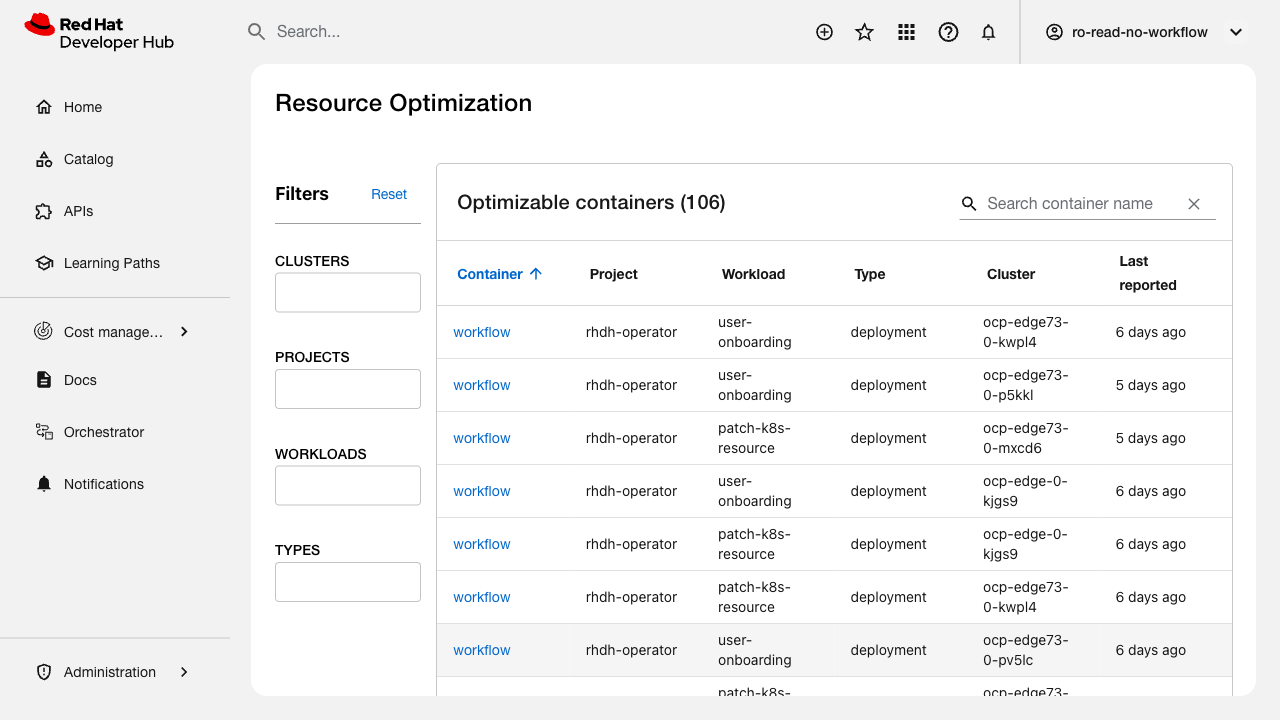
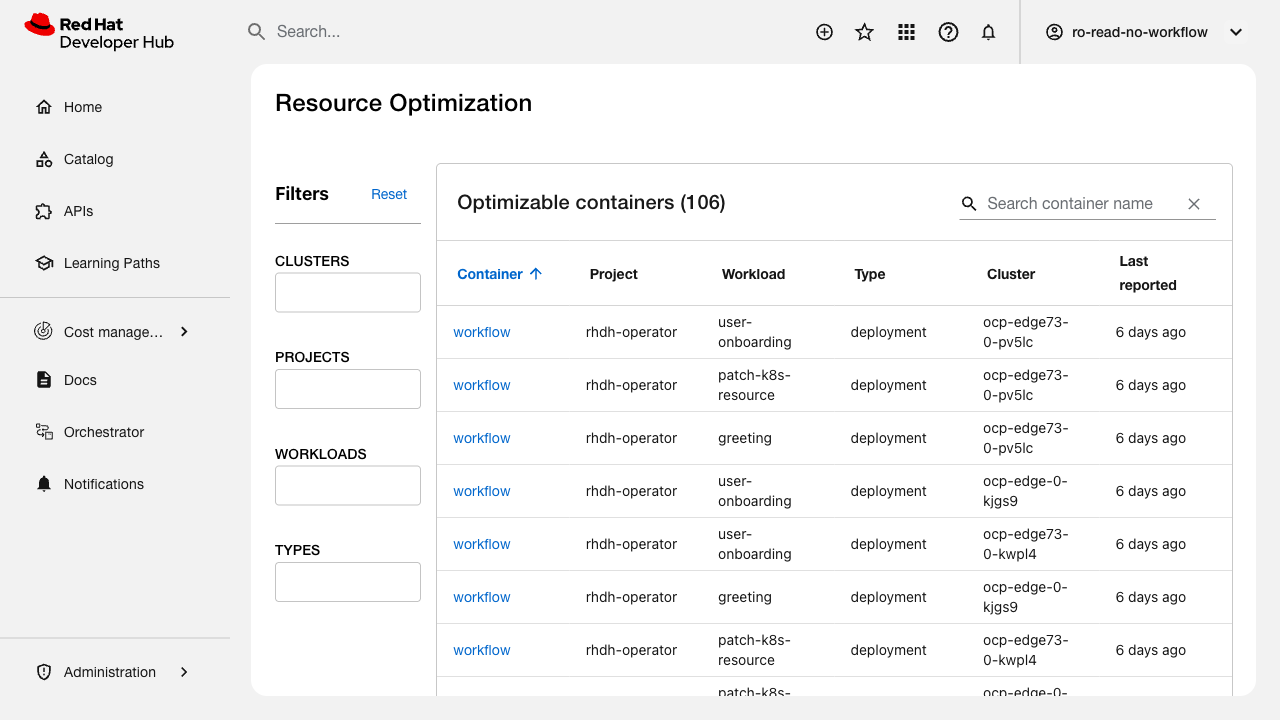
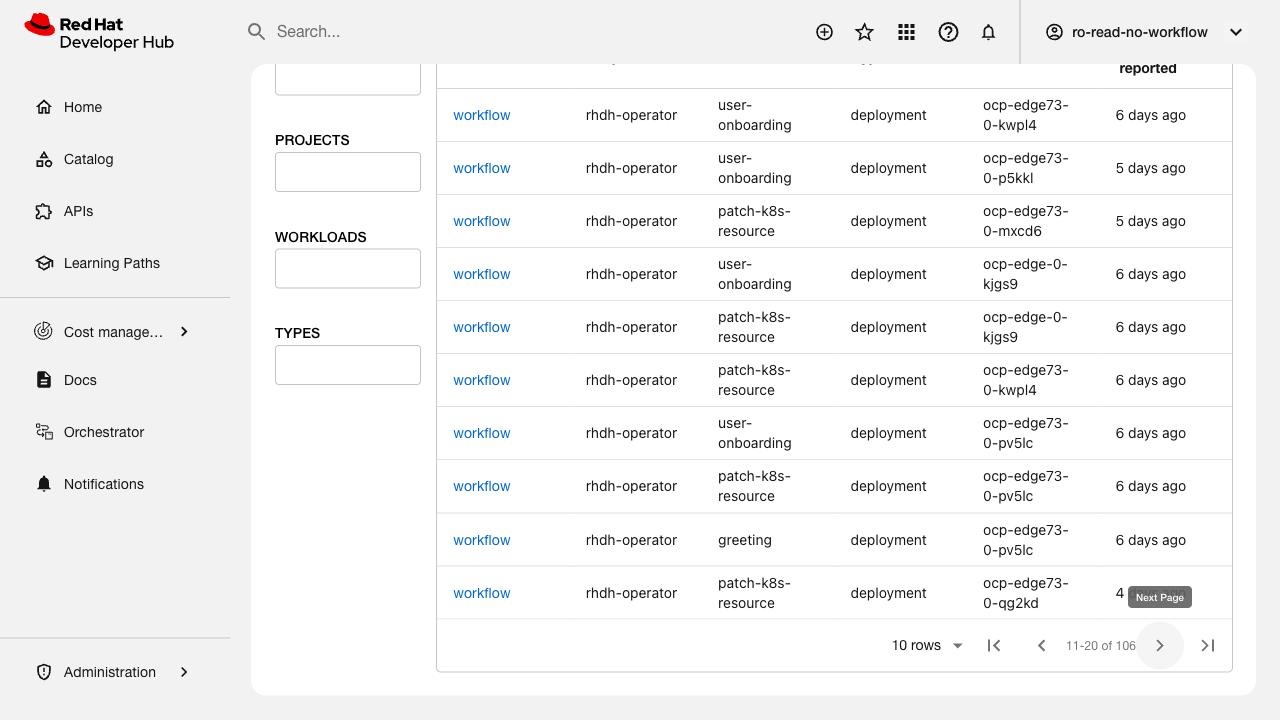
Verify the main view displays cost data in an adjustable table with pagination and sorting functionality.
Related issue: FLPATH-2730
Test Steps:
1. Navigate to the cost management main view
2. Verify table displays with all expected columns
3. Test column width adjustment/resizing
4. Test pagination controls (next, previous, page size)
5. Test sorting by clicking column headers
6. Verify sort order indicators are displayed
Expected Results:
- Table displays all cost data columns correctly
- Columns can be adjusted/resized as per design
- Pagination works correctly with configurable page sizes
- Sorting works on all sortable columns
- UI matches the Figma design specifications