-
Bug
-
Resolution: Done-Errata
-
 Normal
-
dirsrv-12.4
-
None
-
cockpit-389-ds-3.0.6-1.el10dsrv
-
None
-
rhel-idm-ds
-
0
-
False
-
False
-
-
None
-
None
-
None
Description of a problem
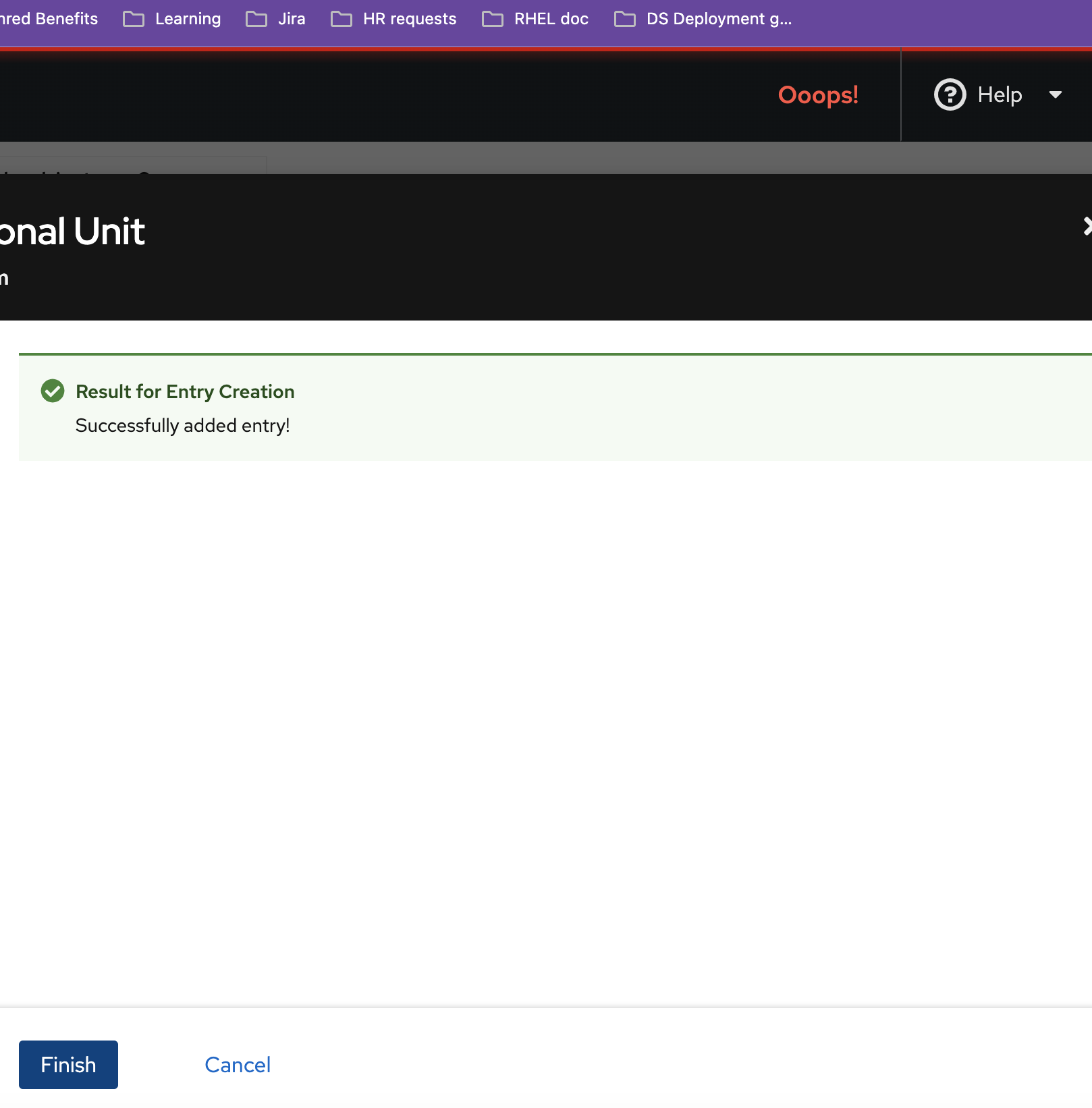
When you create ou entry in the LDAP browser, the web ui freezes after you click Finish button on the wizard.
Version-Release number of the selected component
rpm -q 389-ds-base cockpit-389-ds
389-ds-base-libs-2.4.5-3.module+el9dsrv+21615+bdf90ebc.x86_64
389-ds-base-2.4.5-3.module+el9dsrv+21615+bdf90ebc.x86_64
cockpit-389-ds-2.4.5-3.module+el9dsrv+21615+bdf90ebc.noarch
Browser (if applicable)
Steps to reproduce
1. Go to LDAP Browser tab
2. Select a suffix under which you want ou entry.
3. Click the Options menu (⫶) and select btn:[New] to open the wizard window
4. Follow steps to create an Organizational Unit entry.
5. On the last step, click Finish button.
Actual results
The web UI freezes, showing Oooops error.
Expected results
The wizard window closes.
Additional information
The following procedure successfully creates the entry, however the last step , when you click Finish, causes the Ooops error.
- clones
-
-
- Closed
-
- links to
-
 RHEA-2024:140021
Red Hat Directory Server bug fix and enhancement update
RHEA-2024:140021
Red Hat Directory Server bug fix and enhancement update