-
Bug
-
Resolution: Unresolved
-
 Critical
-
3.24.0.GA, 3.25.0.GA, 3.26.0.GA
-
False
-
-
False
Description of problem:
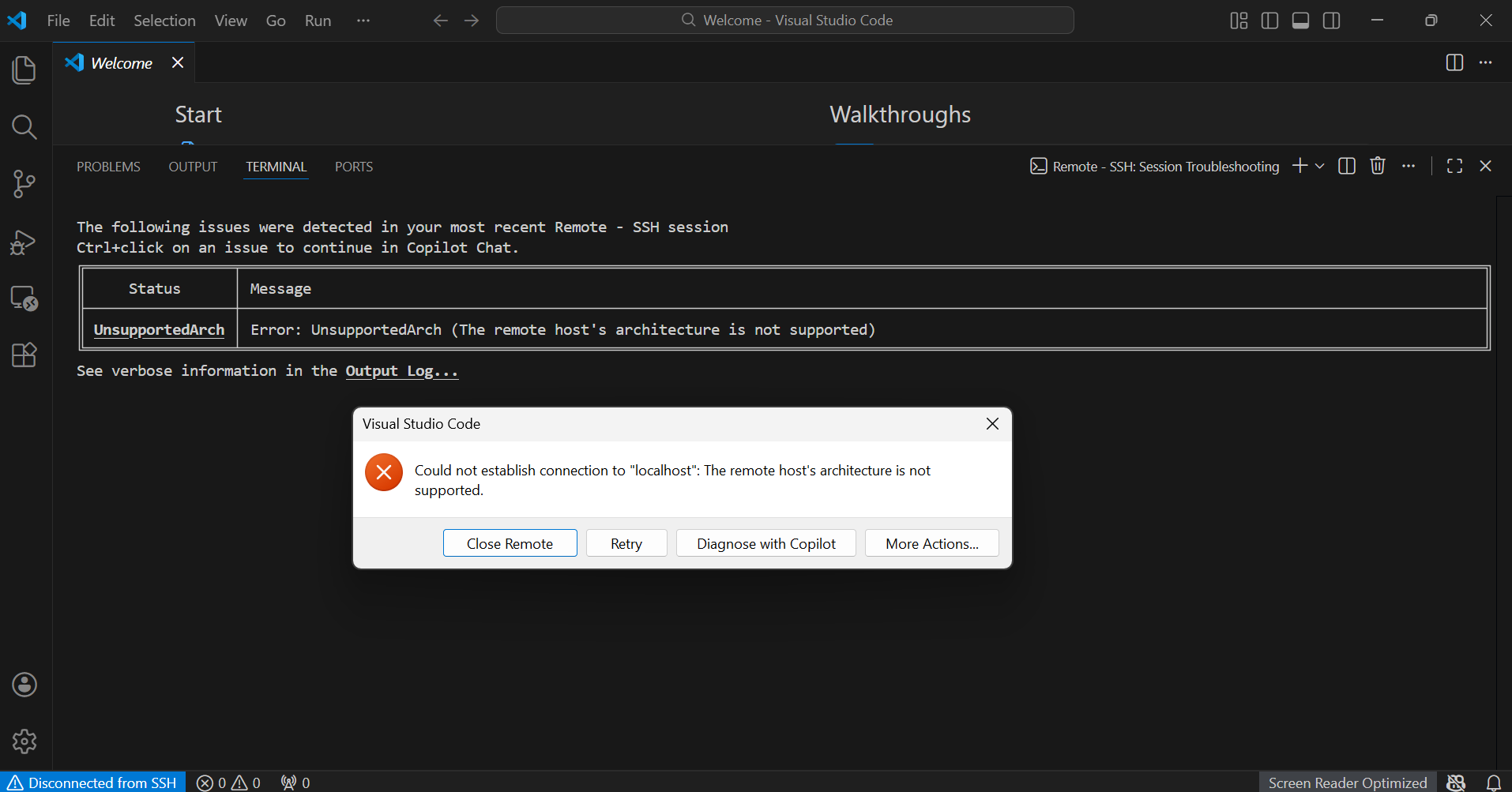
When attempting to connect to a DevSpaces workspace from a Mac using VS Code “Remote – SSH”, the SSH authentication succeeds using the provided private key, but the VS Code server fails to start with the following error:
[13:05:44.186] Unsupported architecture
[13:05:44.186] Terminating local server
[13:05:44.187] Exec server for ssh-remote+localhost failed: Error: The remote host's architecture is not supported
[13:05:44.187] Error opening exec server for ssh-remote+localhost: Error: The remote host's architecture is not supported
[13:05:44.187] ---------- [Session Summary] -----------
[13:05:44.187] [UnsupportedArch]: Error: UnsupportedArch (The remote host's architecture is not supported)
[13:05:44.187] ----------------------------------------
[13:05:44.190] Local server exit: 15
This occurs because the remote workspace is running on s390x / ppc64le architecture, which is currently not supported by the VS Code Remote-SSH exec-server.
Steps to Reproduce
- Follow the DevSpaces instructions to port-forward the workspace to localhost.
- Configure VS Code Remote-SSH with the provided user, port, and private key.
- Attempt to connect.
Actual results:
Connection fails with Unsupported architecture error.
Expected results:
VS Code should successfully start the remote server and allow workspace access.
Additional info (Such as Logs, Screenshots, etc):
Related Github Issue
microsoft/vscode-remote-release#6994
microsoft/vscode-remote-release#6693
microsoft/vscode-remote-release#703

prak@redhat.com reproduced the same issue on IBM Power as well,
Error: "UnsupportedArch (The remote host's architecture is not supported)".