-
Feature
-
Resolution: Unresolved
-
 Major
Major
-
3.21.0.GA
-
False
-
-
False
-
-
Today, to connect to a DevWorkspace from a local JetBrains IDE, the user first needs to log in to the OCP cluster in one of two suggested ways:
- either from their local terminal, with the oc login command
- or by providing a login token to the Gateway window
Usually, it requires the user to switch to the OCP Console to get a new token. The token expires regularly, which results in repeated user interactions.
This process is a bit cumbersome, and it can be automated in the following way:
1. The Gateway plugin runs the command
oc login [OCP API server URL] --web
where the OCP API server URL is something like https://api.rm2.thpm.p1.openshiftapps.com:6443/
This command starts a local HTTP callback server to perform the OAuth2 Authorization Code Grant.
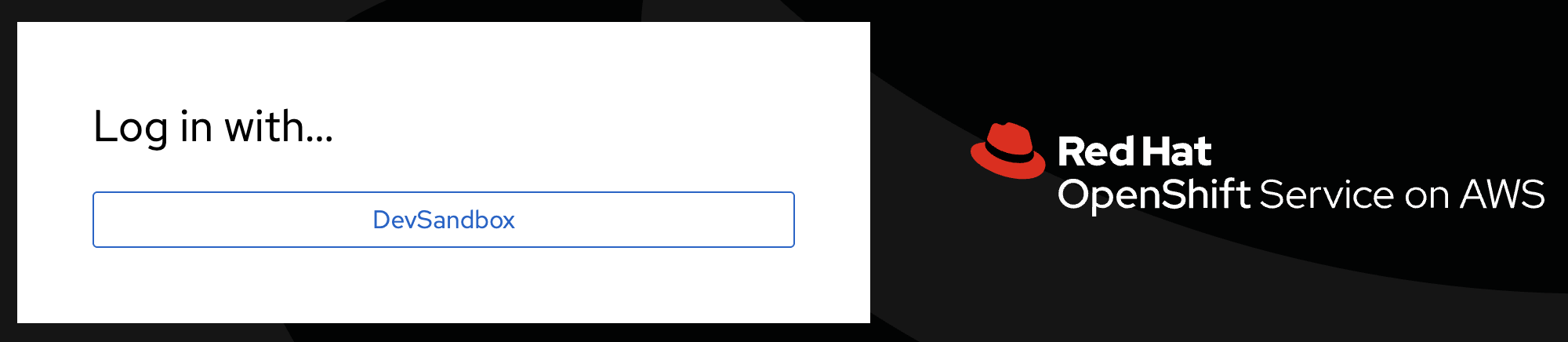
2. The browser automatically opens the OCP login page, e.g.:
3. Once logged in, the browser shows the page like the one below:

4. The plugin has received the OCP token.