-
Bug
-
Resolution: Won't Do
-
 Major
Major
-
3.1.0.GA
-
None
-
False
-
-
False
-
Release Notes
-
-
Known Issue
-
Rejected
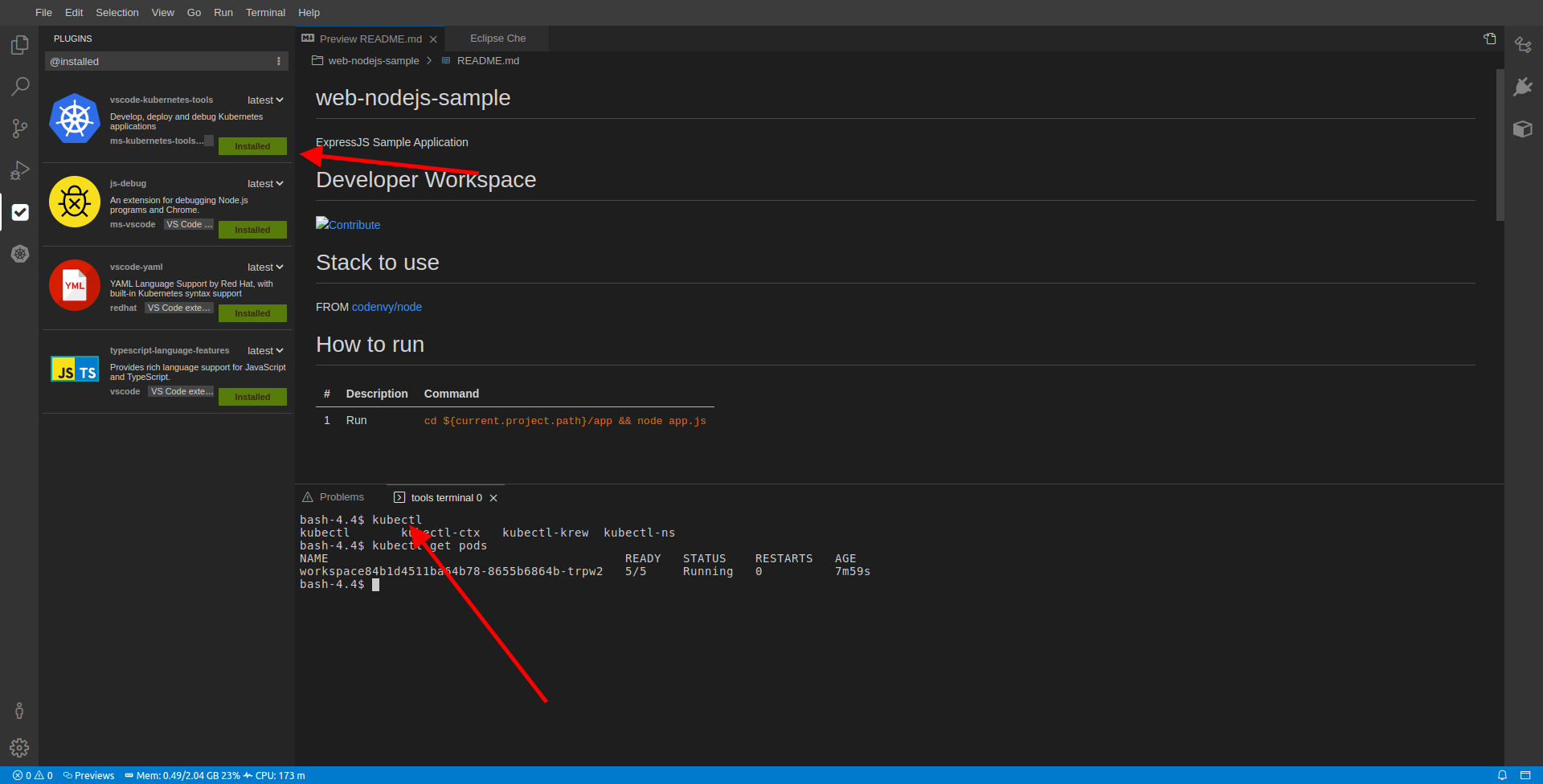
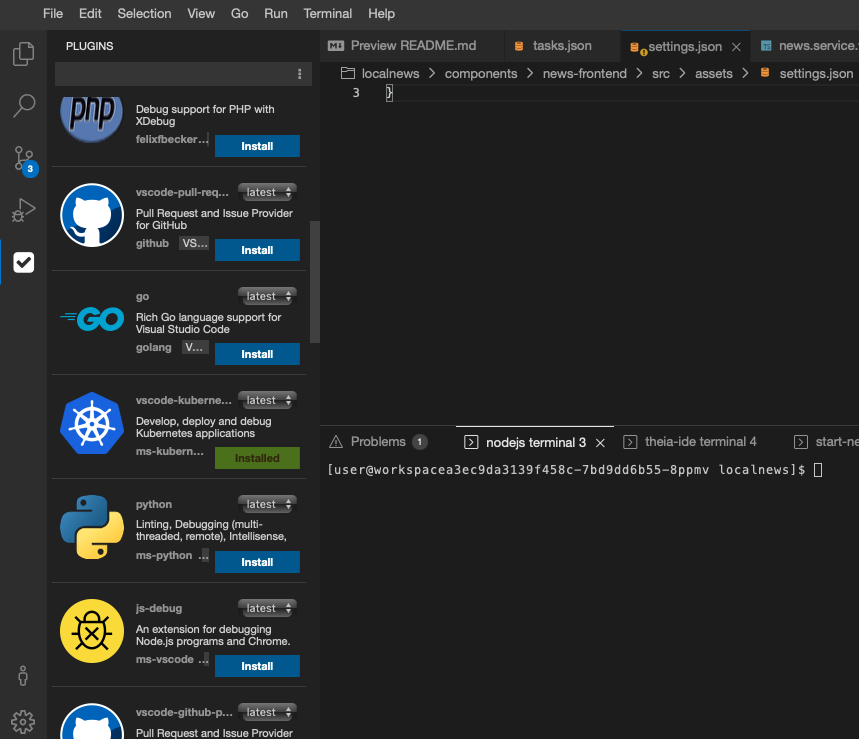
If you install the VSCode yaml plugin (or Kubernetes plugin) from Views -> Plugins, the following will be added to the first component in the devfile:
components:
  - attributes:
    che-theia.eclipse.org/vscode-extensions:
      - 'http://plugin-registry.openshift-workspaces.svc:8080/resources/github_com/redhat-developer/devspaces-vscode-extensions/releases/download/ve96a2bb/vscode-yaml-0.14.0.vsix'
Here is the full devfile to reproduce:
schemaVersion: 2.1.0
metadata:
  name: localnews-frontend
  namespace: bschmeli-redhat-com-devspaces-7t9v6h
projects:
  - git:
      remotes:
        origin: 'https://github.com/Apress/Kubernetes-Native-Development'
    name: localnews
components:
  - attributes:
      che-theia.eclipse.org/vscode-extensions:
        - 'http://plugin-registry.openshift-workspaces.svc:8080/resources/github_com/redhat-developer/devspaces-vscode-extensions/releases/download/ve96a2bb/vscode-yaml-0.14.0.vsix'
        - 'http://plugin-registry.openshift-workspaces.svc:8080/resources/github_com/redhat-developer/devspaces-vscode-extensions/releases/download/7_44-che-assets/vscode-kubernetes-tools-1.2.1.vsix'
    container:
      endpoints:
        - attributes:
            discoverable: 'true'
            public: 'true'
          exposure: public
          name: news-frontend
          protocol: http
          targetPort: 4200
      env:
        - name: CHE_DASHBOARD_URL
          value: 'https://devspaces.apps.ocp4.stormshift.coe.muc.redhat.com'
        - name: CHE_PLUGIN_REGISTRY_URL
          value: 'https://devspaces.apps.ocp4.stormshift.coe.muc.redhat.com/plugin-registry/v3'
        - name: CHE_PLUGIN_REGISTRY_INTERNAL_URL
          value: 'http://plugin-registry.openshift-workspaces.svc:8080/v3'
      image: 'quay.io/eclipse/che-nodejs12-community@sha256:339af099e40f4049f9d77ad4a036143dd2d001e783b6fcd9da0edeae417ec355'
      memoryLimit: 4096Mi
      mountSources: true
      sourceMapping: /projects
    name: nodejs
commands:
  - exec:
      commandLine: |
        npm install
        npm install @angular/cli
        node_modules/@angular/cli/bin/ng serve --host 0.0.0.0 --port 4200 --disable-host-check
      component: nodejs
      label: Download dependencies & Start news-frontend in devmode
      workingDir: '${PROJECTS_ROOT}/localnews/components/news-frontend'
    id: download-dependencies--start-news-frontend-in-devmode
  - exec:
      commandLine: node_modules/@angular/cli/bin/ng serve --host 0.0.0.0 --port 4200 --disable-host-check
      component: nodejs
      label: Start news-frontend in devmode
      workingDir: '${PROJECTS_ROOT}/localnews/components/news-frontend'
    id: start-news-frontend-in-devmode
If you look into the workspace logs of the theia-ide container you will find the following error:
2022-10-10 10:28:36.210 root ERROR [hosted-plugin: 68] Promise rejection not handled in one second: TypeError: Cannot read property 'attributes' of undefined , reason: TypeError: Cannot read property 'attributes' of undefined981With stack trace: TypeError: Cannot read property 'attributes' of undefined982at DevfileHandler.isRecommendedExtensionsDisabled (/default-theia-plugins/eclipse_che_recommendations_plugin/lib/devfile/devfile-handler.js:31:36)983at processTicksAndRejections (internal/process/task_queues.js:95:5)984at async RecommendationsPlugin.start (/default-theia-plugins/eclipse_che_recommendations_plugin/lib/plugin/recommendations-plugin.js:47:26)9852022-10-10 10:28:36.210 root ERROR Promise rejection not handled in one second: TypeError: Cannot read property 'attributes' of undefined , reason: TypeError: Cannot read property 'attributes' of undefined986With stack trace: TypeError: Cannot read property 'attributes' of undefined987at DevfileHandler.isRecommendedExtensionsDisabled (/default-theia-plugins/eclipse_che_recommendations_plugin/lib/devfile/devfile-handler.js:31:36)988at processTicksAndRejections (internal/process/task_queues.js:95:5)989at async RecommendationsPlugin.start (/default-theia-plugins/eclipse_che_recommendations_plugin/lib/plugin/recommendations-plugin.js:47:26)
The result is that the plugins will appear as installed in the UI, but cannot be used. The Workspace -> Plugins Folder is empty showing "No Plugins defined"
Another problem is that oftentimes, the plugin is only removed / installed when you try for the second time.