Uploaded image for project: 'Red Hat OpenShift Dev Spaces (formerly CodeReady Workspaces) '
  1. Red Hat OpenShift Dev Spaces (formerly CodeReady Workspaces)
  2. CRW-1975

Java analytic plugin is not working for proxy based env only

XMLWordPrintable

    • False
    • False
    • Undefined
    • Hide
      1. Login to code ready workspace
      2. Start any java workspace. Java workspace has analytic plugin installed by default
      3. Right click on pom.xml and select Dependency Analytic Report option

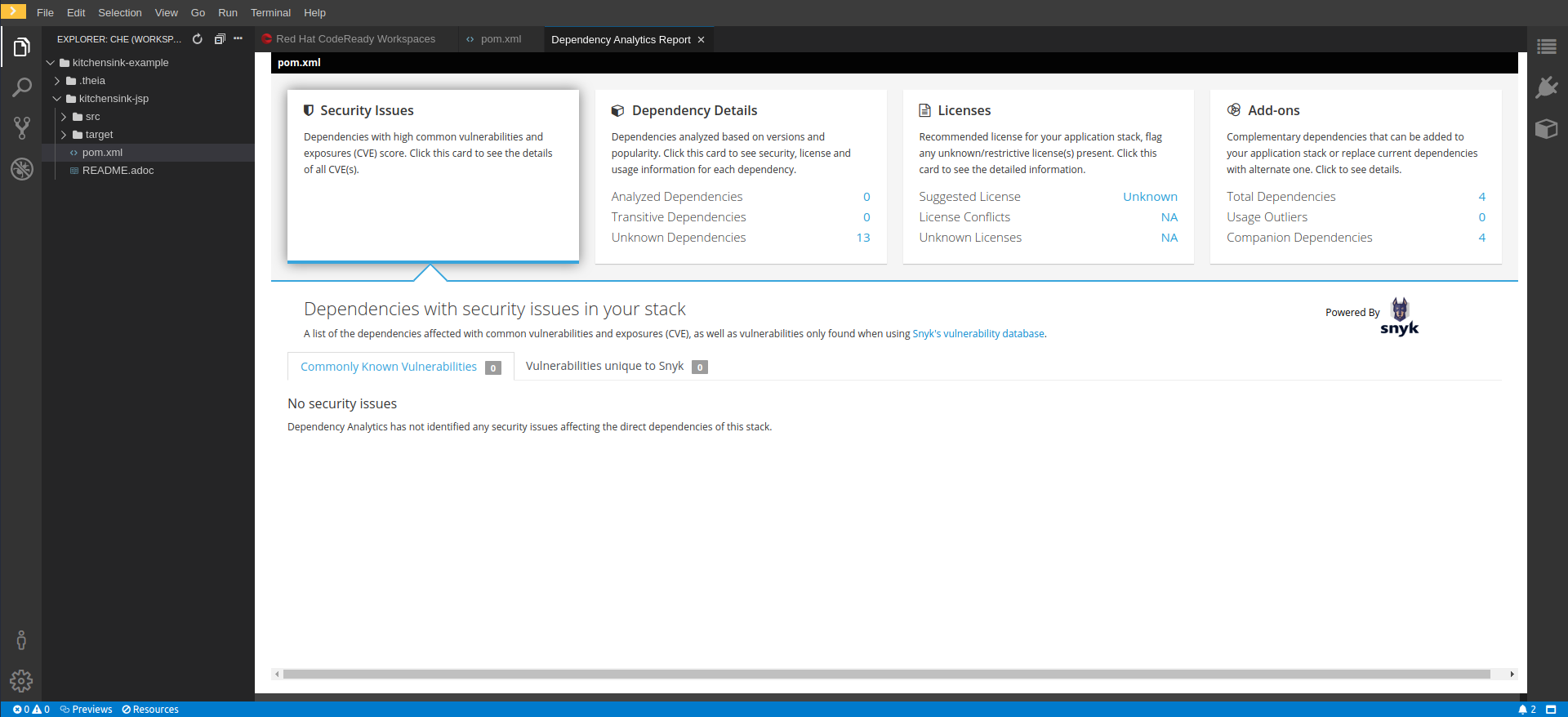
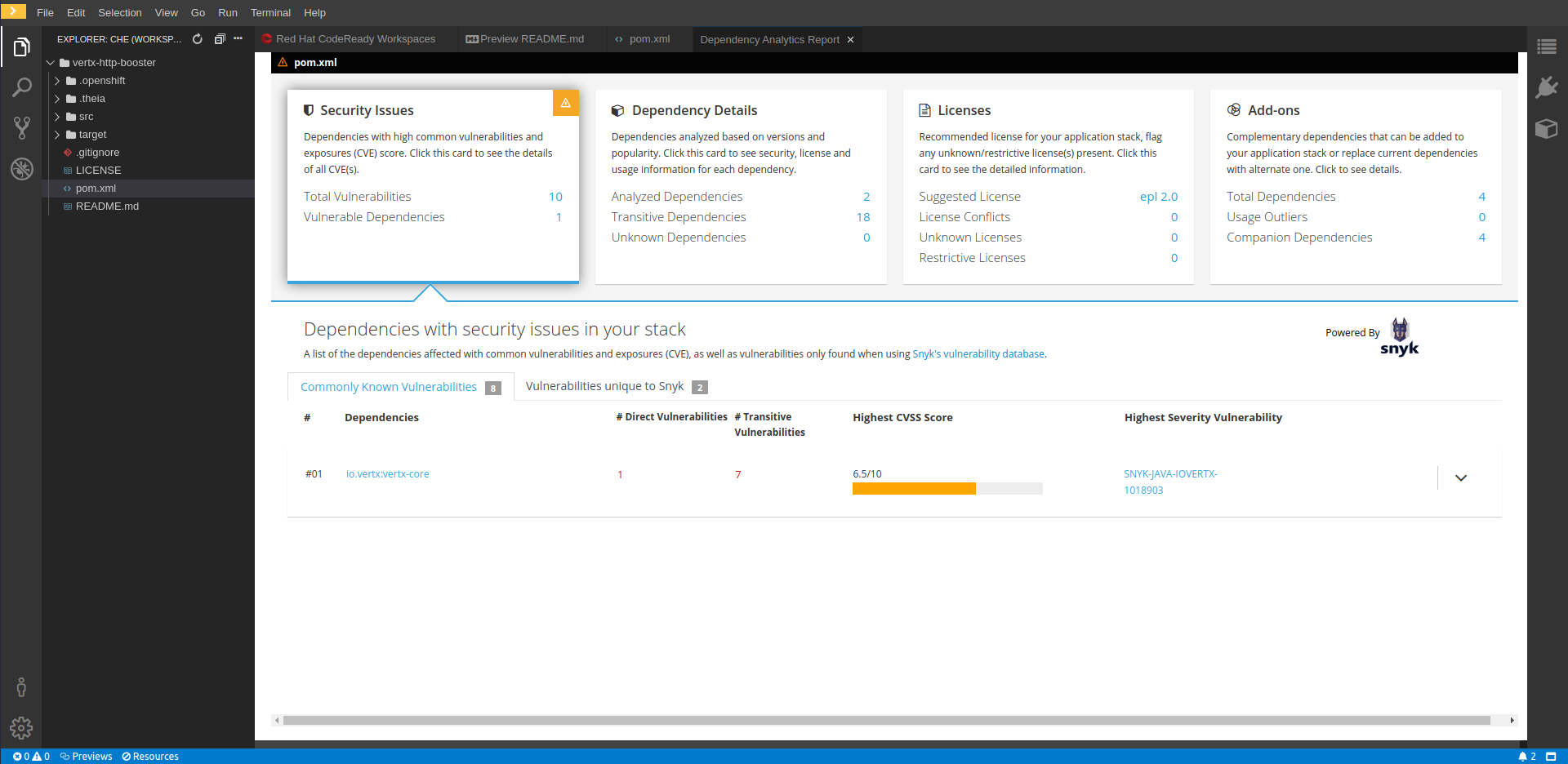
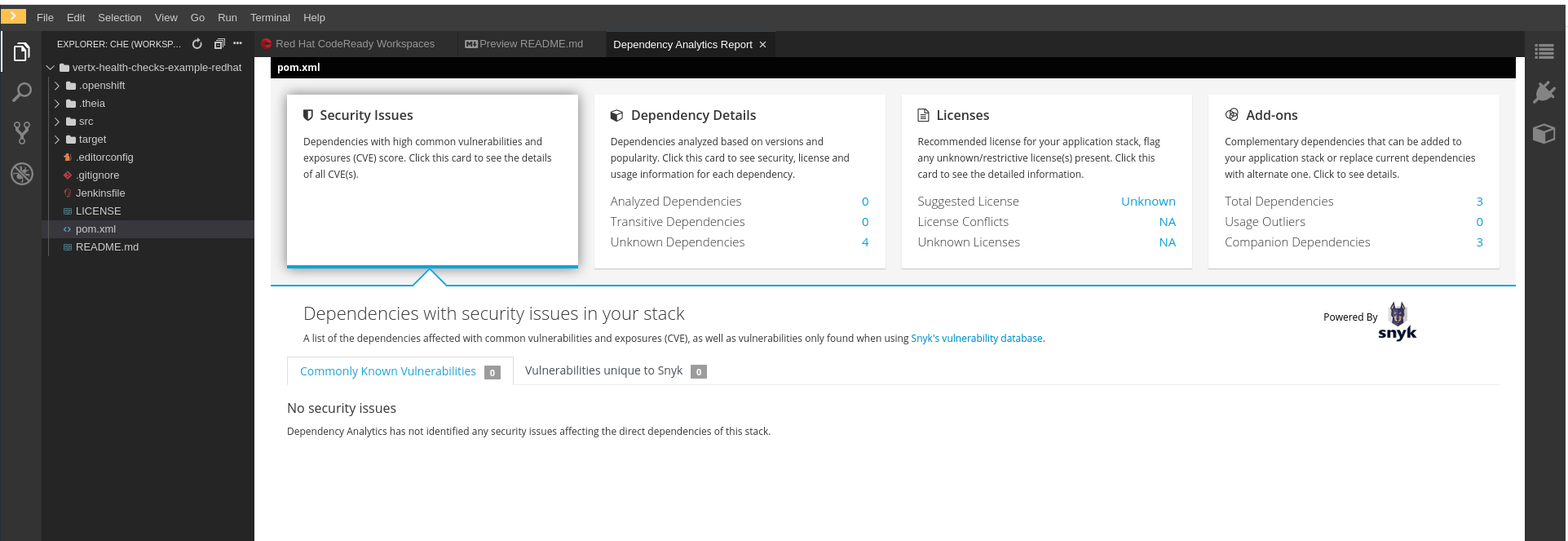
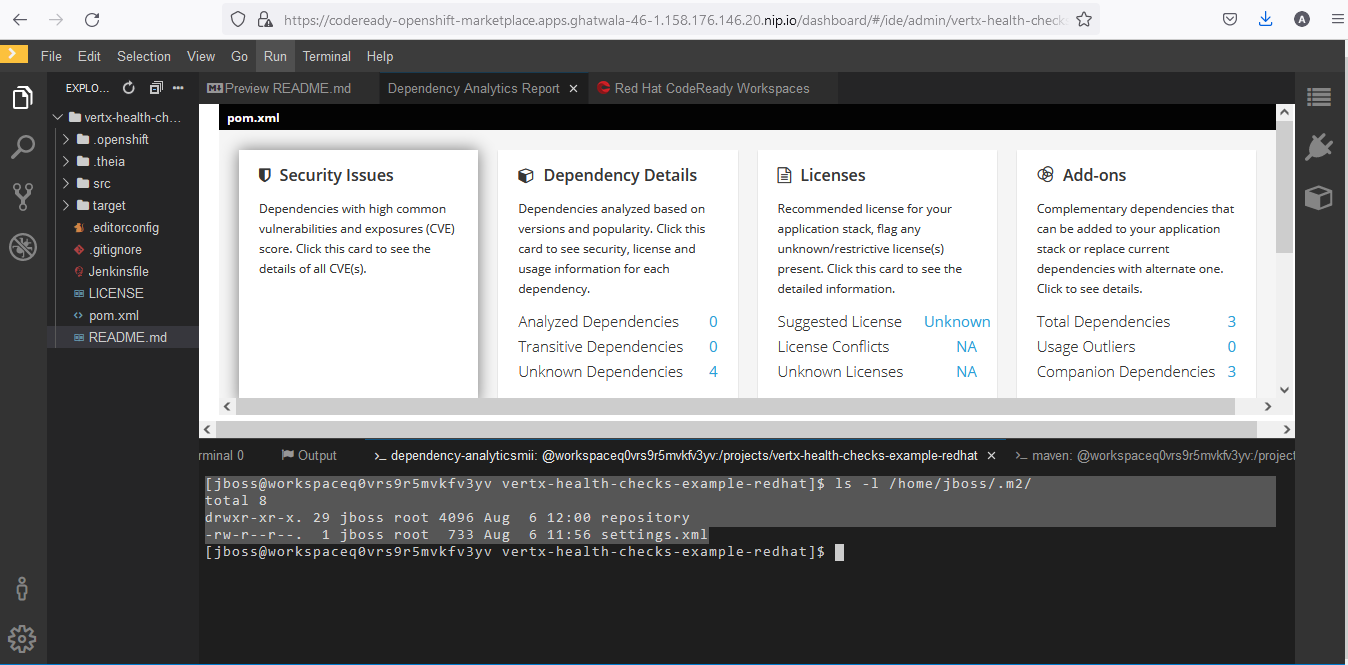
      It should open new panel showing different options for analytic plugin.

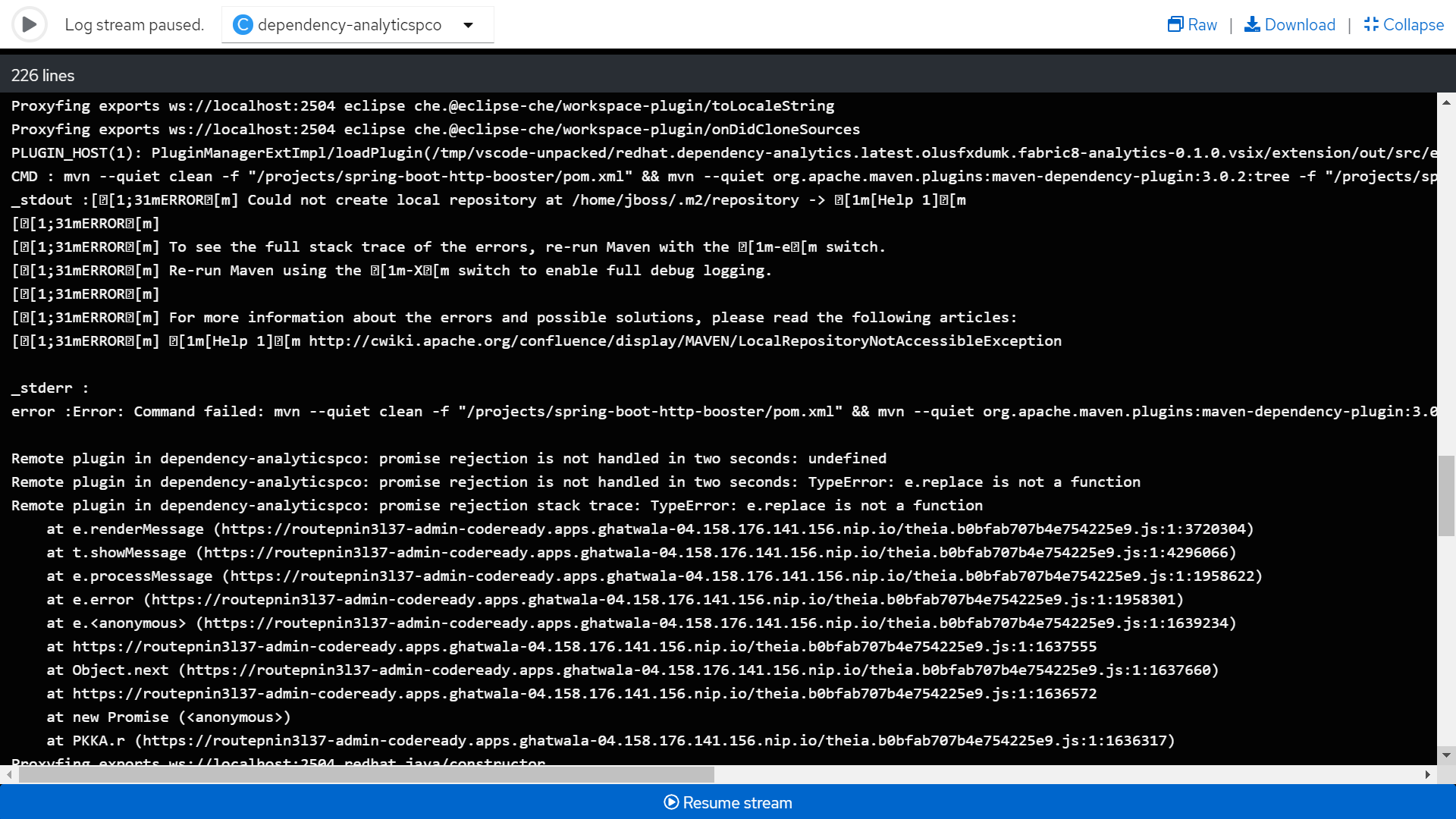
      Currently java analytic plugin is failing with stderr

      Show
      Login to code ready workspace Start any java workspace. Java workspace has analytic plugin installed by default Right click on pom.xml and select Dependency Analytic Report option It should open new panel showing different options for analytic plugin. Currently java analytic plugin is failing with stderr

      Java dependency analytic plugin fails. 

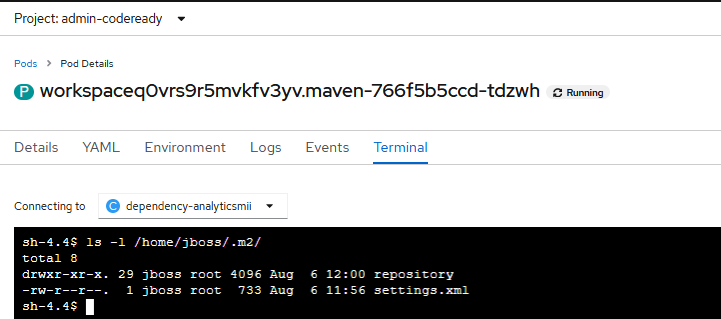
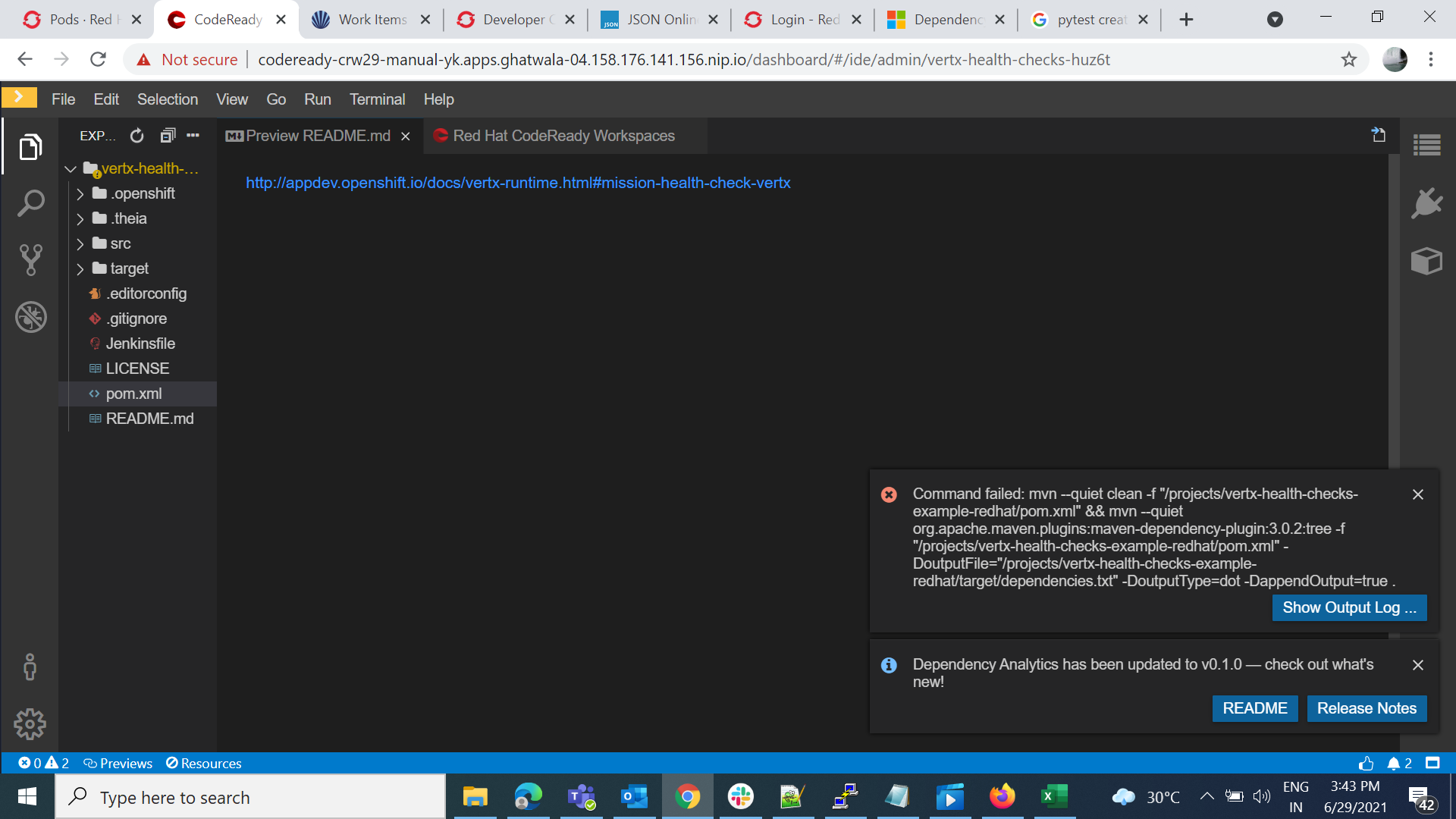
      From the logs it can be seen that, mvn --quiet clean command fails with stderr
       

              vsvydenk Valerii Svydenko
              yogitakulkarni Yogita Kulkarni (Inactive)
              Votes:
              0 Vote for this issue
              Watchers:
              5 Start watching this issue

                Created:
                Updated: