-
Bug
-
Resolution: Unresolved
-
 Undefined
-
None
-
openshift-4.21
-
None
-
None
-
False
-
-
None
-
Moderate
-
None
-
None
-
None
-
None
-
None
-
None
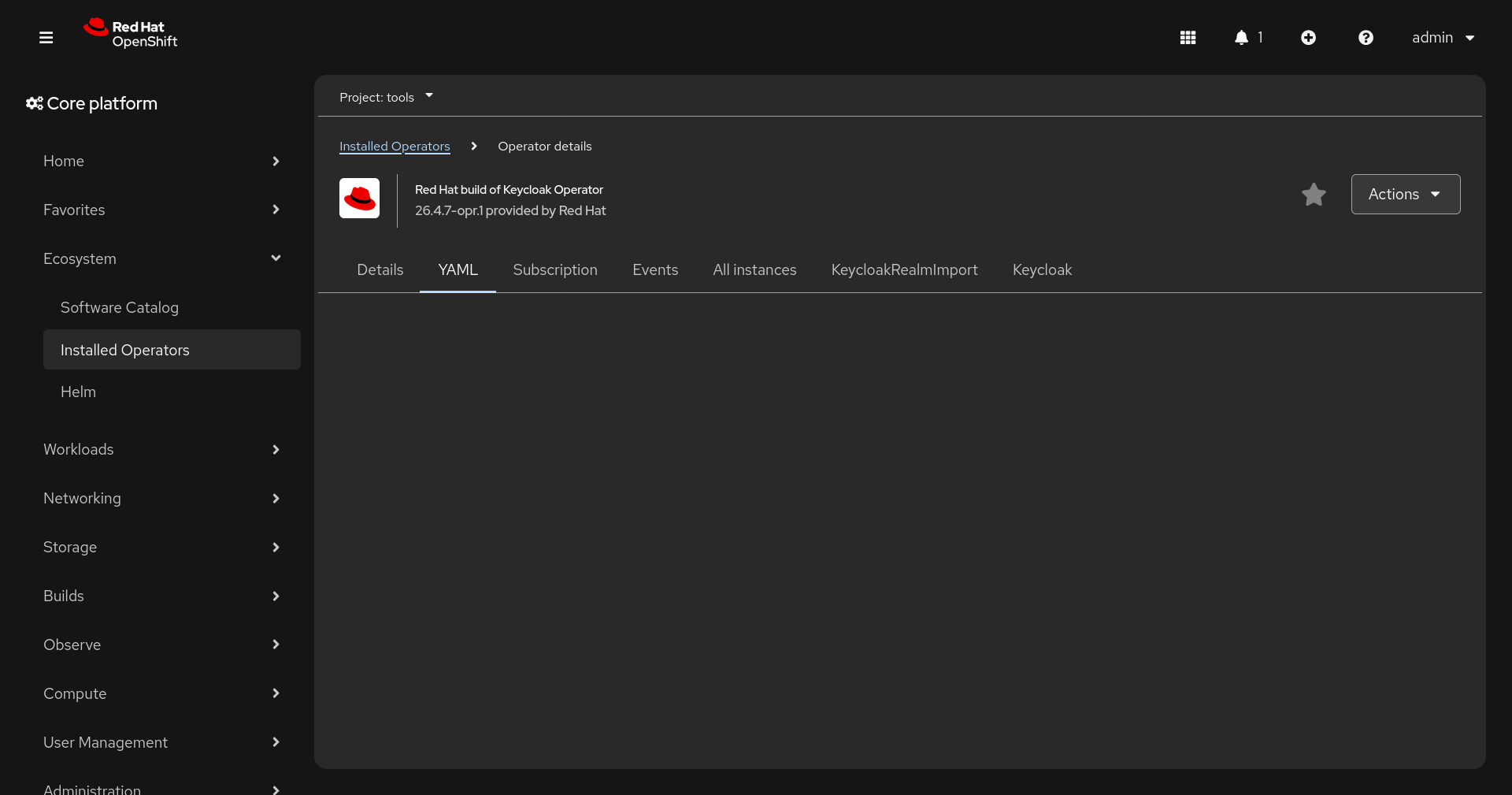
When navigating to an instance of operator via list of installed operators, clicking on any other card then "details" will show empty page. This happens on ocp421 rc1.
Steps to reproduce:
- Install Connectivity link operator or Redhat build of keycloak operator
- Create at least one CR instance (does not need to be configured)
- In console in left panel navigate Ecosystem -> Installed operators
- In the list open csv of the installed operator
- In the cards find "All instances"
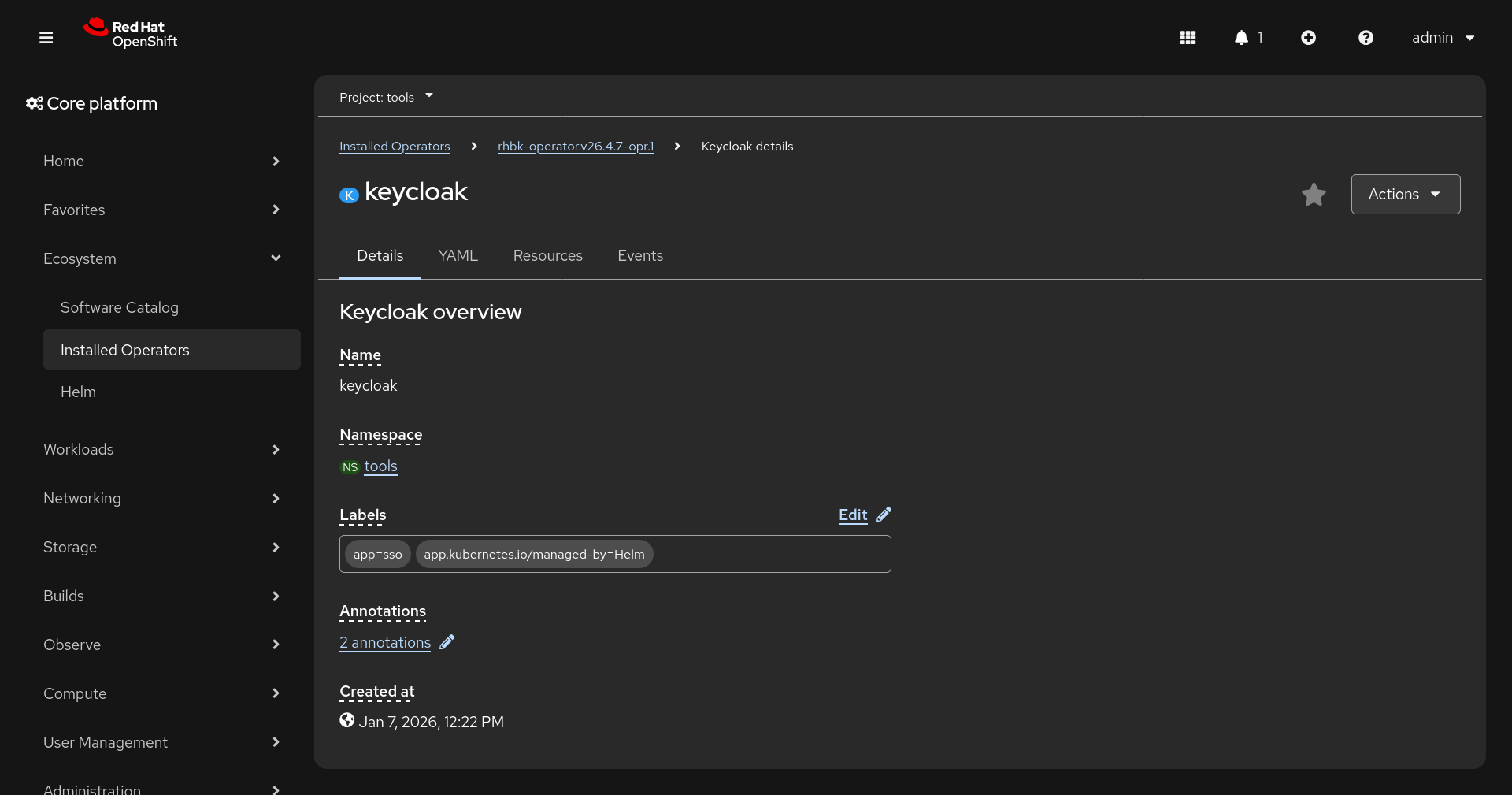
- Click on the created instance
- Click on any cards: "yaml", "events", "resources"
- The view will change back to csv and display empty page
Affected products:
- Connectivity link (rhcl-operator.v1.1.0)
- Red Hat build of Keycloak Operator (rhbk-operator.v26.4.7-opr.1)