-
Bug
-
Resolution: Done
-
 Normal
-
None
-
None
-
Product / Portfolio Work
-
False
-
-
False
-
None
-
-
None
Description of problem:
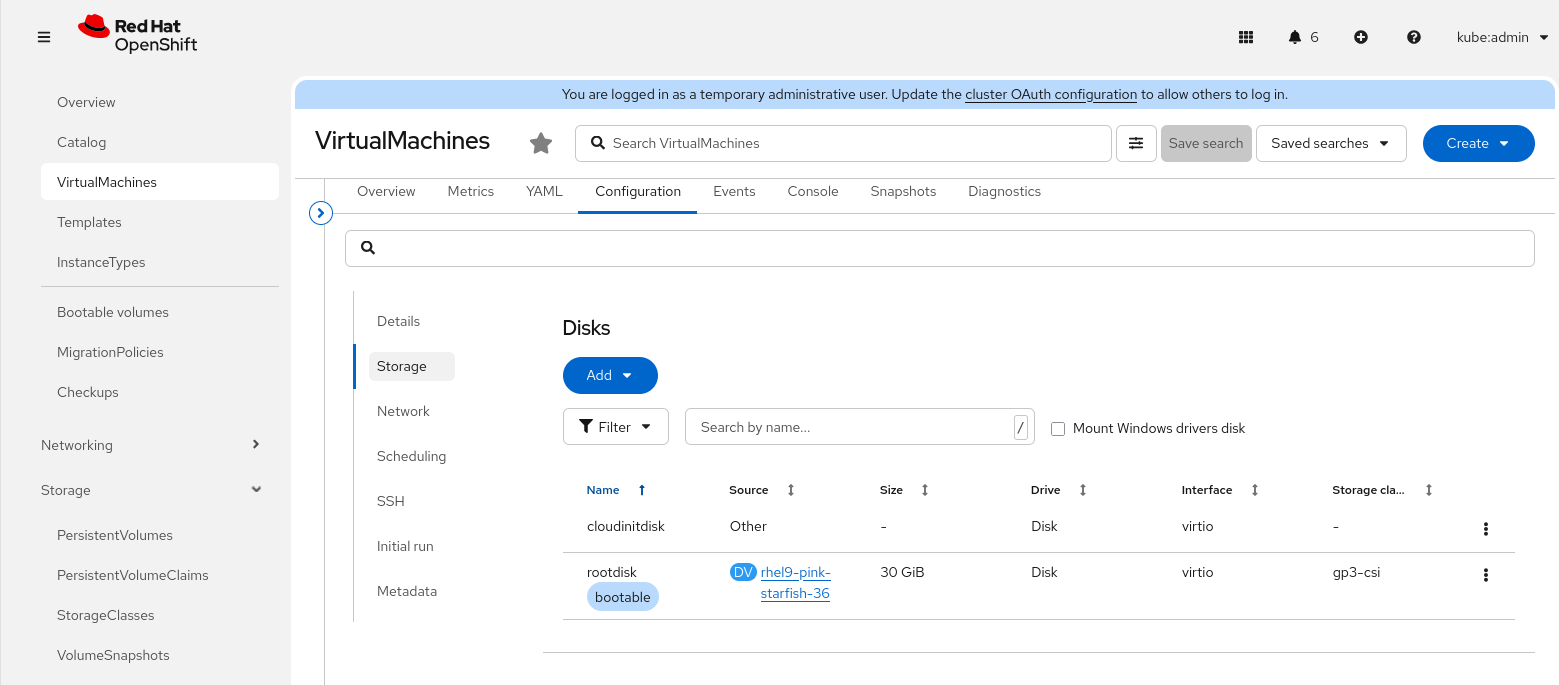
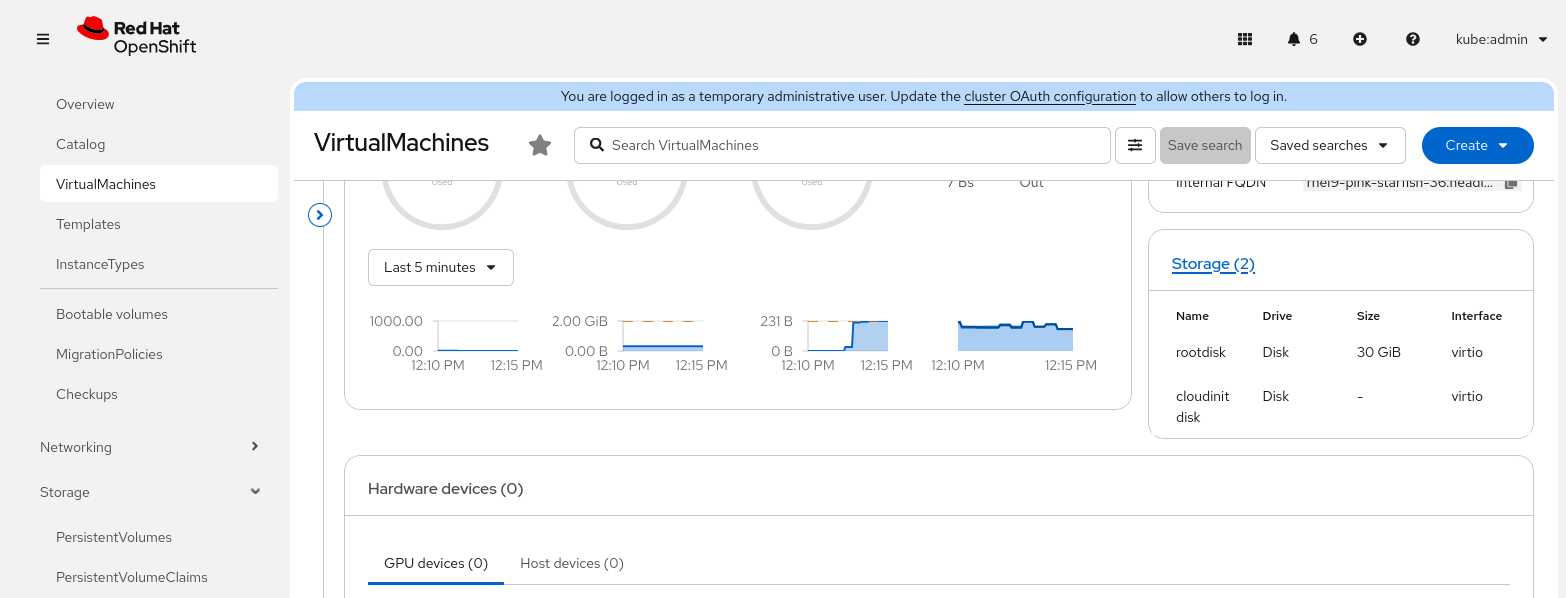
Expand VM disk PVC doesn't change the yaml of dv and vm. On the web console,it still shows the old storage size.

For example expand the PVC from 30G to 40G.

- the yaml of pvc and vmi are changed.
$ oc get vmi/rhel9-pink-starfish-36 -o yaml | yq '.status.volumeStatus[] | select(.name=="rootdisk") | .persistentVolumeClaimInfo.capacity'
storage: 40Gi
$ oc get pvc rhel9-pink-starfish-36 -o yaml | yq '.spec.resources.requests'
storage: 40Gi

- the yaml of dv and vm are not changed.
$ oc get vm/rhel9-pink-starfish-36 -o yaml | yq '.spec.dataVolumeTemplates[].spec.storage.resources.requests'
storage: 30Gi $ oc get dv/rhel9-pink-starfish-36 -o yaml | yq '.spec.storage.resources.requests'
storage: 30Gi

Thus, on the web console, the storage size still shows the old value until user manually updates the yaml of vm.
Version-Release number of selected component (if applicable):
OCP 4.20.8
OCP-v 4.20.3
How reproducible:
Method 1:
Change PVC's .spec.resources.requests.storage directly from CLI or on the web console, Storage->PersistentVolumeClaims, find the PVC of the VM, click the three point leader, then 'Expand PVC'.

Method 2:
On the VM details page, click Configuration tab and click Storage, click the three point leader next the disk, then 'Edit'.
Steps to Reproduce:
1.
2.
3.
Actual results:
The storage size shows on the web console is not the real size of the disk pvc.
Expected results:
The storage size shows on the web console matches the real disk pvc size.
Additional info: