-
Bug
-
Resolution: Unresolved
-
 Normal
-
None
-
None
-
Quality / Stability / Reliability
-
0.42
-
False
-
-
False
-
CNV v4.99.0.rhel9-2571, CNV v4.21.0.rhel9-140
-
-
Moderate
-
None
Description of problem:
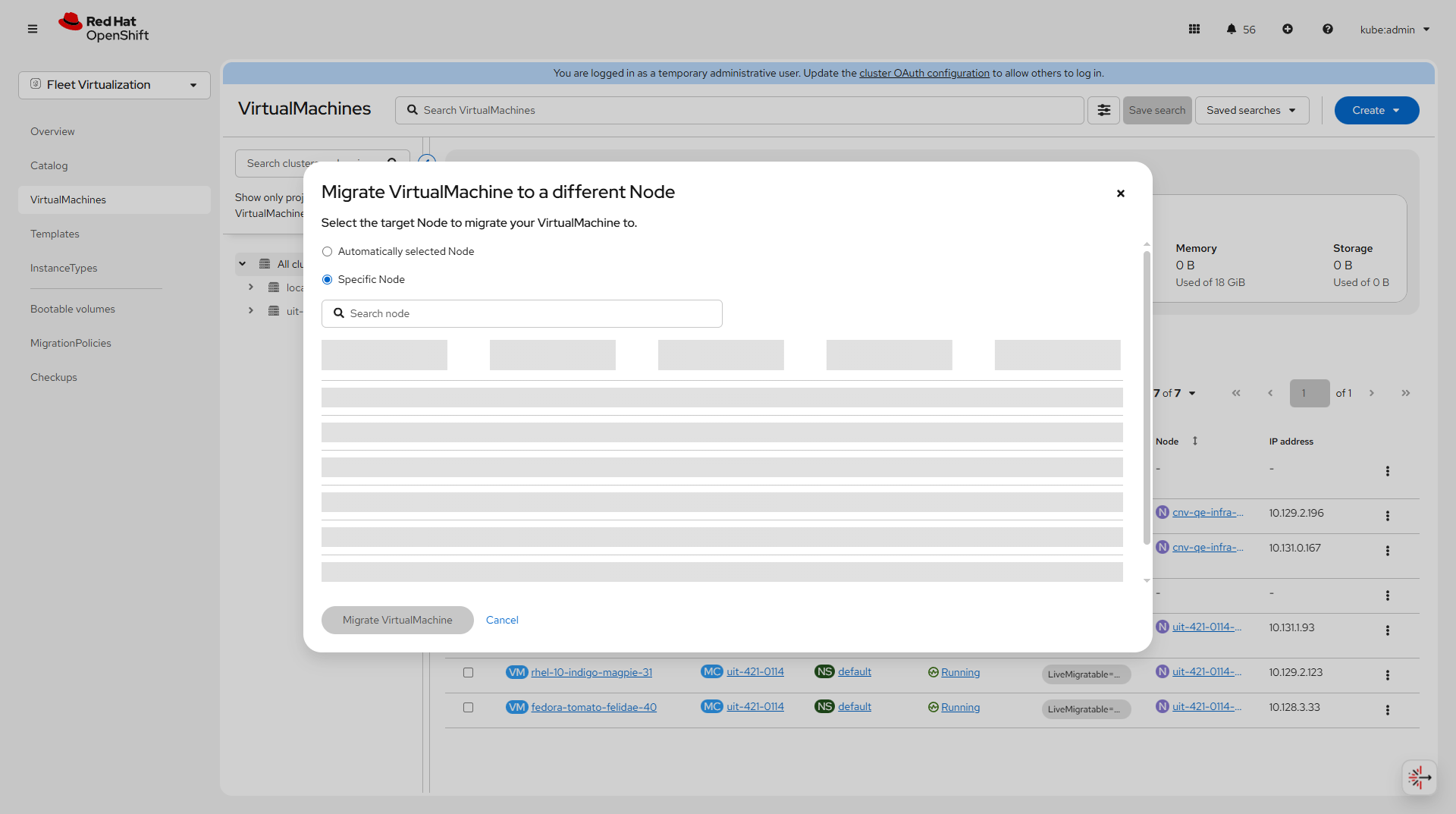
On a new ACM 2.15 / OCP 4.20.8 deployment, I attempt to live migrate a virtual machine to a specific compute node on the fleet cluster from the Fleet Virtualization view in the ACM hub cluster, when attempting so, the fleet worker nodes are not visible for selection on the web interface. The only worker node appearing visible is the Hub ACM worker node and not the edge/fleet OCP worker.
Version-Release number of selected component (if applicable):
Hub ACM version: 2.15
Hub OpenShift version: 4.20.8
Edge/Fleet Cluster Openshift version: 4.20.8
How reproducible: Always
Steps to Reproduce:
- Log into the ACM hub clusters GUI. I am able to reproduce this as a user with cluster-admin priviledges so it does not appear to be a permissions issue.
- Switch to the Fleet Virtualization view
- From the virtual machine list, click on the 3 dotted menu to the right of the interface and select: Migration -> Compute -> Specific Node
Actual results:
Unable to see or select a specific worker node on the fleet cluster to migrate the virtual machine to.
Notice that when trying to select a specific compute node to live migrate the virtual machine, the only worker nodes visible on the list are the Hub cluster worker node.
Expected results:
I expect to see a list of worker nodes on the fleet cluster that I can select to live migrate the virtual machine to from the ACM UI.
Additional info:
I have attached a screen cast to reproduce the issue. I will be attaching the must-gathers for the Hub and Fleet cluster for analsysis if necessary.
Note that VM live migration works from ACM when selecting the automatic live migration so this is applicable specific to node based live migration.
- links to
- mentioned on

