-
Bug
-
Resolution: Unresolved
-
 Normal
-
CNV v4.21.0
-
None
-
Quality / Stability / Reliability
-
2
-
False
-
-
False
-
None
-
-
None
Description of problem:
The modal in Virtual Machine Network has the "Allow all current and future projects to access this network" checkbox, that does not keep its state. Also, after clicking Save button the modal does not close.
Version-Release number of selected component (if applicable):
CNV-v4.21.0.rhel9-60
How reproducible:
always
Steps to Reproduce:
1. Navigate to Networking -> Virtual Machine Networks
2. Start network creation wizard
3. On step 2 - "Project mapping" select "Select labels to specify qualifying projects" option
4. Check "Allow all current and future projects to access this network" checkbox
5. Create network, click "View network" link
6. Click "Actions" button, select "Edit project mapping"
7. Click "Save" button
Actual results:
The checkbox is not checked
After clicking "Save" the modal stays
Expected results:
The checkbox keeps the value
After clicking "Save" the modal is closed
Additional info:
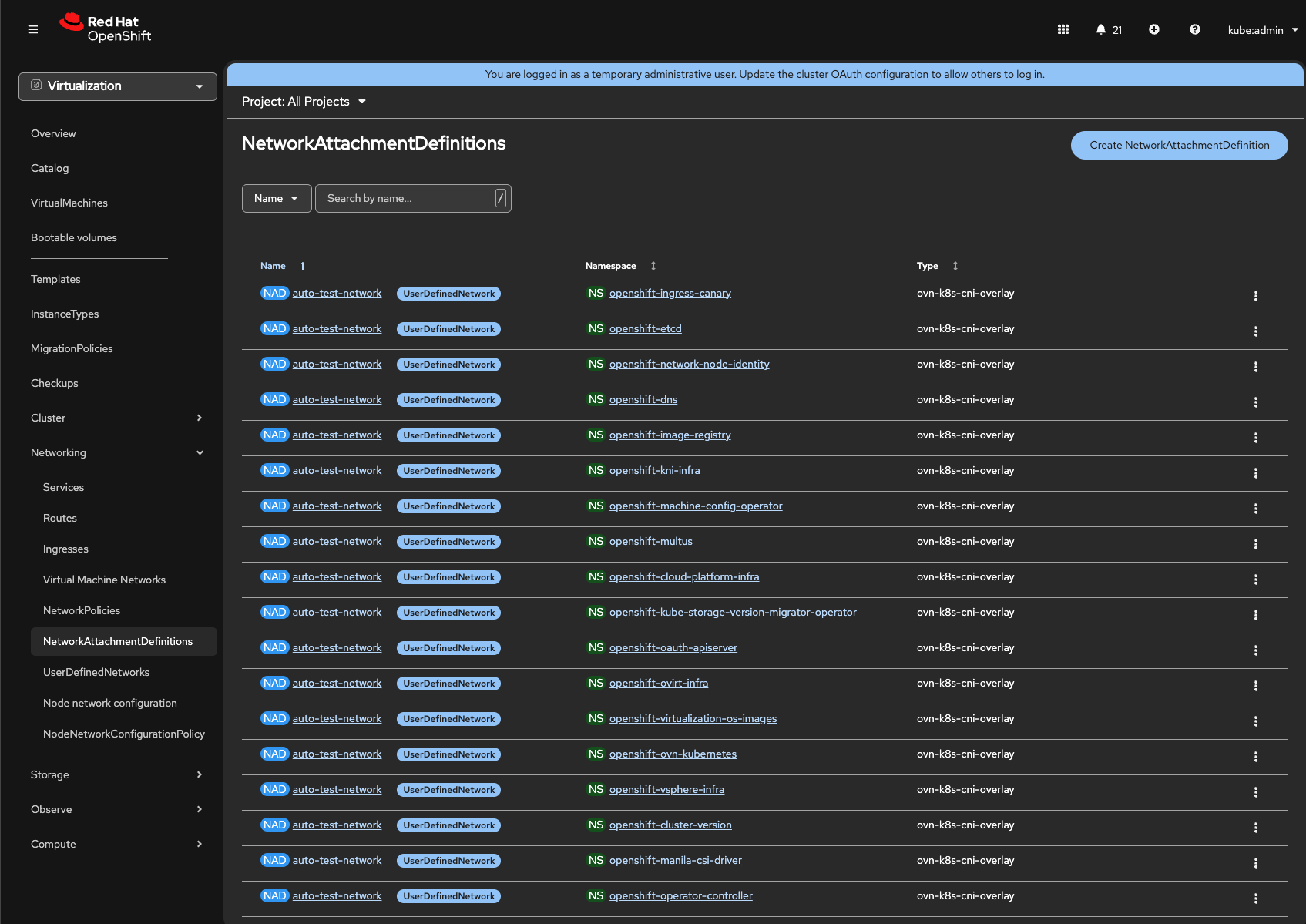
When VM network is created, NADs with the same name are created in every namespace, see screenshot