-
Epic
-
Resolution: Unresolved
-
 Major
Major
-
None
-
None
-
None
-
Changes in OSD Cluster Wizard for seamless integration with OpenShift service listed in the Google Cloud Console
-
False
-
False
-
In Progress
-
OSDGCP-59 - Changes in OSD Cluster Wizard for seamless integration with OpenShift service listed in the Google Cloud Console
-
18% To Do, 9% In Progress, 73% Done
-
-
-
(2/16/26) Still(?) waiting for confirmation from Google if we can remove old link. [OSD in GC Console] Minor changes to the OSD wizard.
Description
Changes in OSD Cluster Wizard for seamless integration with OpenShift service listed in the Google Cloud Console. Google Console users will come into a curated view of the OSD wizard where certain configurations will be pre-selected, and irrelevant sections hidden; streamlining the onboarding process for OSD users
Acceptance criteria
- The entire UI feature needs to be behind a Feature Flag
- Google console cloud user will link-n-launch to OCMUI url console.redhat.com/openshift/create/osdgcp
console.redhat.com/openshift/create/ osdgcp will show user the curated OSD "from google cloud console". User will be shown the 1st step of the curated wizard mode - When a user leaves the OSD cluster creation wizard (console.redhat.com/openshift/create/osdgcp) or exits the OCM UI completely, their next visit to the Hybrid Cloud Console (console.redhat.com) or OCM (console.redhat.com/openshift) should present the standard OCM UI view.
- For User Analytics Tracking: Send tracking event when anyone arrives at console.redhat.com/openshift/create/osdgcp
- The curated wizard mode changes are:
- Step 1: Billing Address
- Auto-select the “Subscription type = On-demand: Flexible usage billed through the Google Cloud Marketplace”
- Hide the other two subscription types i.e. “Free trial” and “Annual: Fixed capacity subscription from Red Hat”
- Inside the Infrastructure type field hide the option for "Red Hat cloud account."
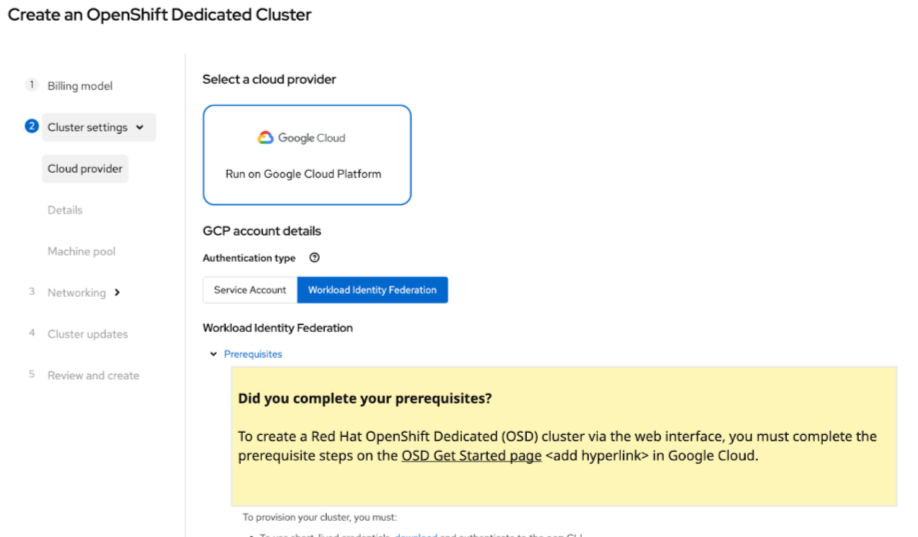
- Step 2: Cloud Provider
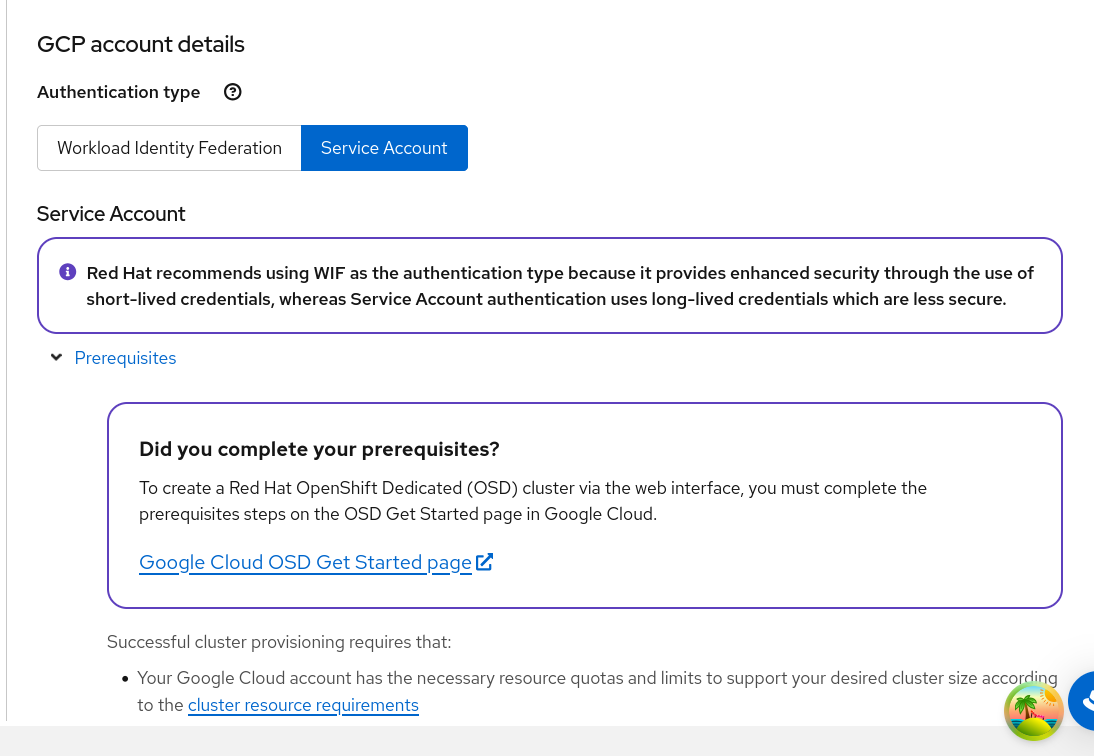
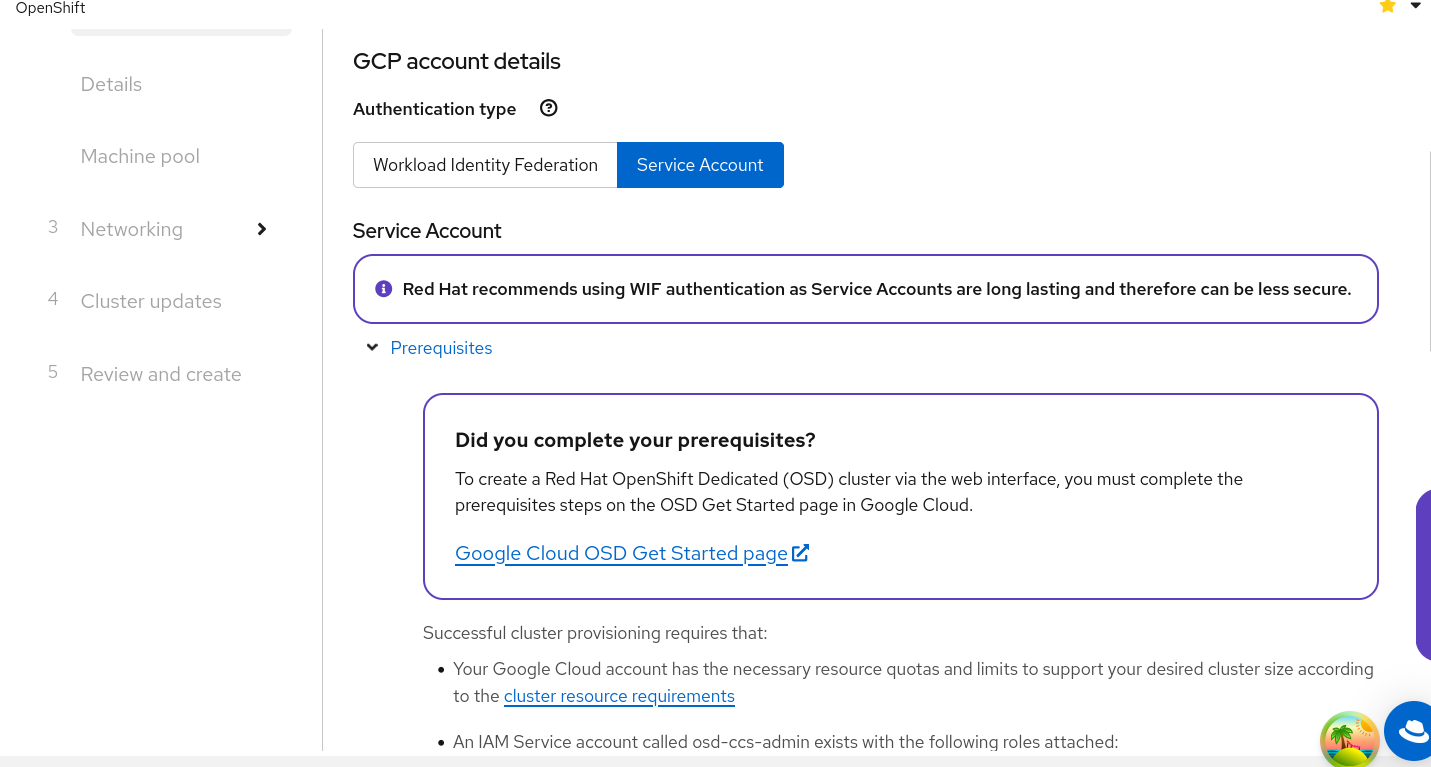
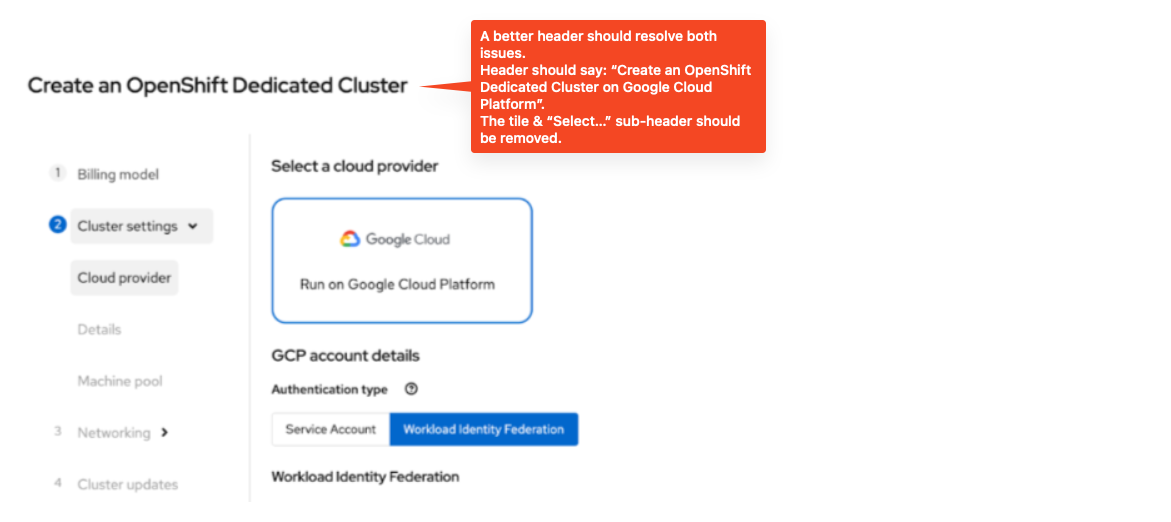
- Make “Authentication type = Workload Identity Federation” the default selection and Service Account stays as unselected, second option.
(Making WIF the default choice is already implemented behind a feature flag named GCP_WIF_DEFAULT, but it's only enabled on stage. We want to make WIF the default also if the feature flag for this epic is enabled) - Remove the "Select a cloud provider" title, keep the google cloud tile
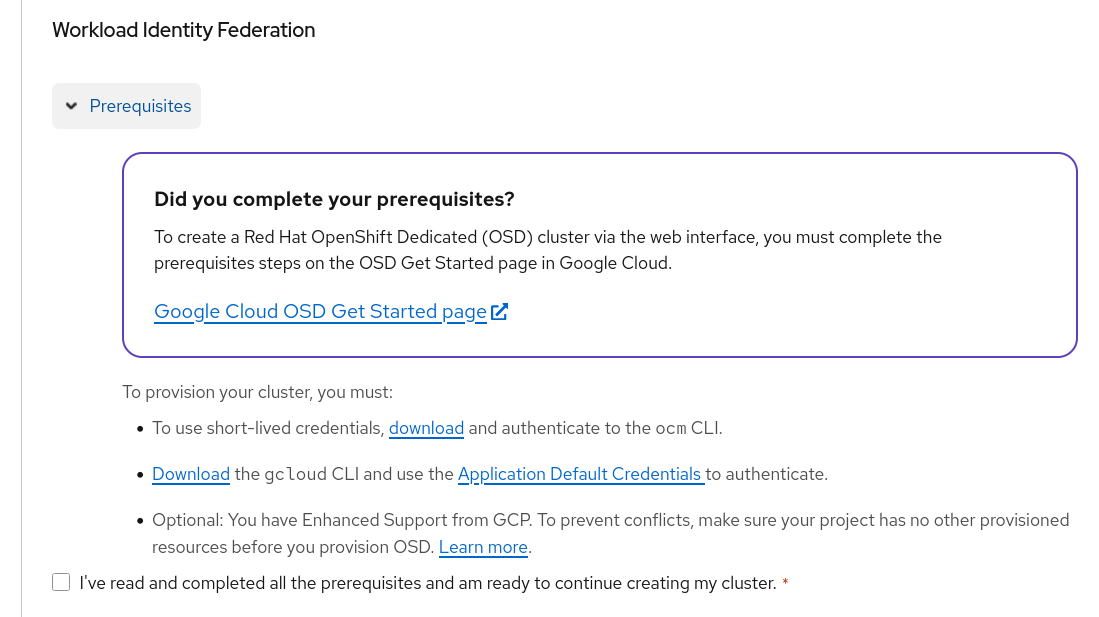
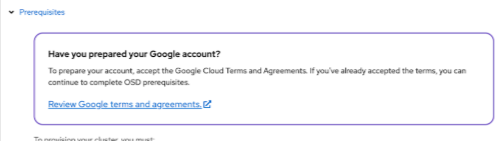
- Replace the "Have you prepared your google account" alert with the "Did you complete your prerequisites?" (see complete text at step 6). Also remove the "Check your cluster resource requirements(new window or tab)..." step of the prerequisites
- Make “Authentication type = Workload Identity Federation” the default selection and Service Account stays as unselected, second option.
- Step 3. Networking - Configuration
- Virtual Private Cloud (VPC)
Install into an existing VPC - will be auto-selected by default and disabled (cannot be unchecked).
- Virtual Private Cloud (VPC)
- Step 1: Billing Address
- Changes to the regular/existing OSD GCP wizard:
When selecting the "On-Demand" Subscription type on step 1, we then show a "Have you prepared your Google account?" alert inside step 2. A new dedicated getting started page is going to be created on the google website, so we need to remove this alert and replace it with a more generic alert titled "Did you complete your prerequisites?", the body is "To create a Red Hat OpenShift Dedicated (OSD) cluster via the web interface, you must complete the prerequisites steps on the OSD Get Started page <add link when ready> in Google Cloud." Exact copy to be verified.
Mockups
NA
Out of scope
NA
Testing implications
The changes only affect the wizard when visiting the new route. The new route is hidden by a feature flag to decide who can access to it. The existing wizard still works as expected with no regressions.
Implementation notes
NA
More info
Refer to parent epic and this document with initial requirements: OCM UI requirements for the OpenShift listing in the Google Cloud Console

- relates to
-
OCMUI-3991 [OSD Wizard] - 'Select Cloud Provider' incorrect when only one cloud provider tile is shown
-

- Closed
-