Uploaded image for project: 'Database as a Service'
  1. Database as a Service
  2. DBAAS-1215

[RHODA][R5]Install it on a cluster - Existing Clusters dropdown cluster list

XMLWordPrintable

    • Icon: Bug Bug
    • Resolution: Done
    • Icon: Undefined Undefined
    • None
    • 0.4.0 [R5]
    • None
    • None
    • False
    • Hide

      None

      Show
      None
    • False
    • No
    • Hide
      • Login to Hybrid Cloud console
      • Make sure the user has more clusters
      • Navigate to "Application and Data services --> Database Access --> Install it on cluster"
      • The "Install Openshift Database Access on your Cluster" modal window would appear
      • Click on "Existing Cluster" drop down
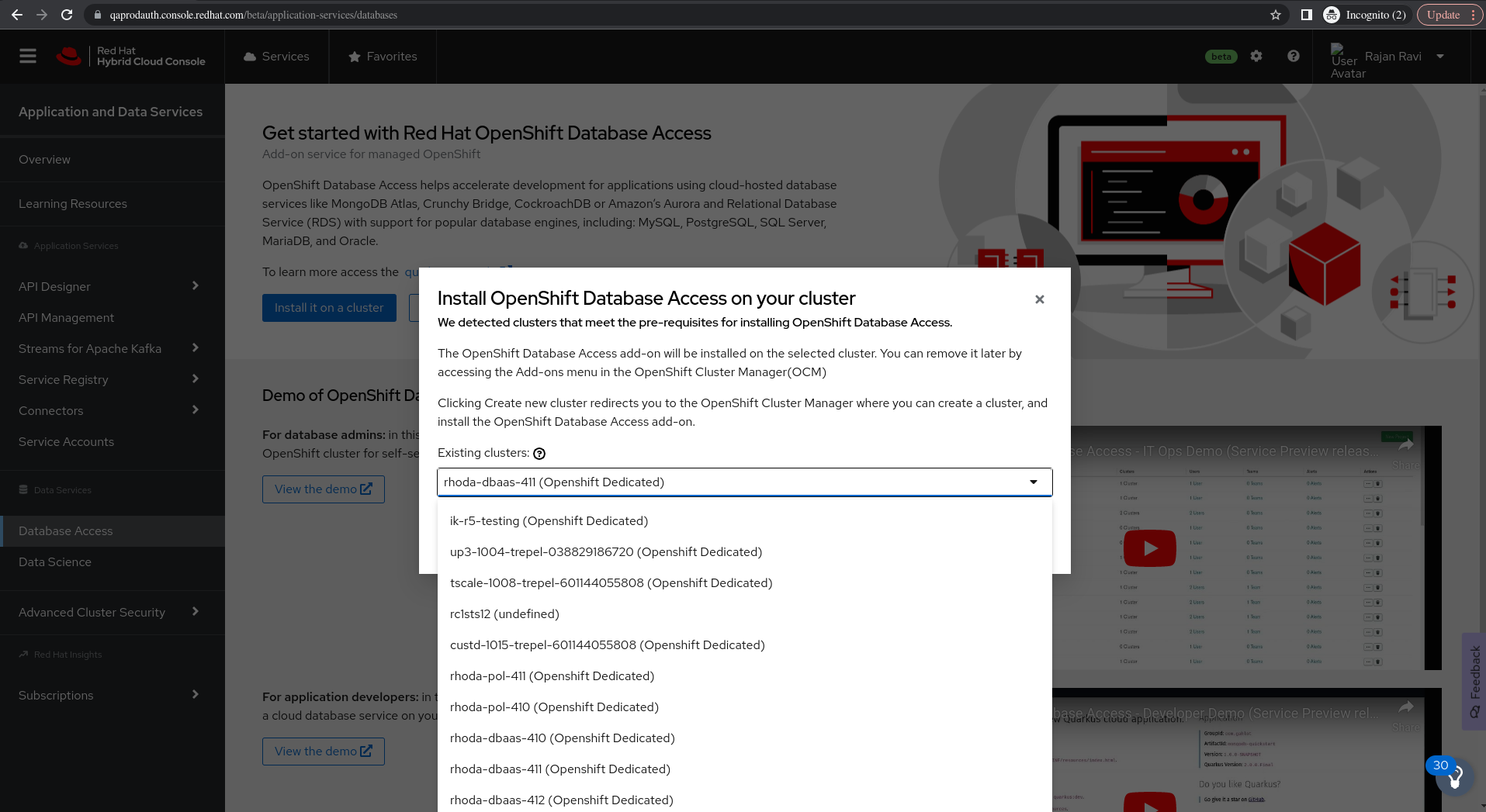
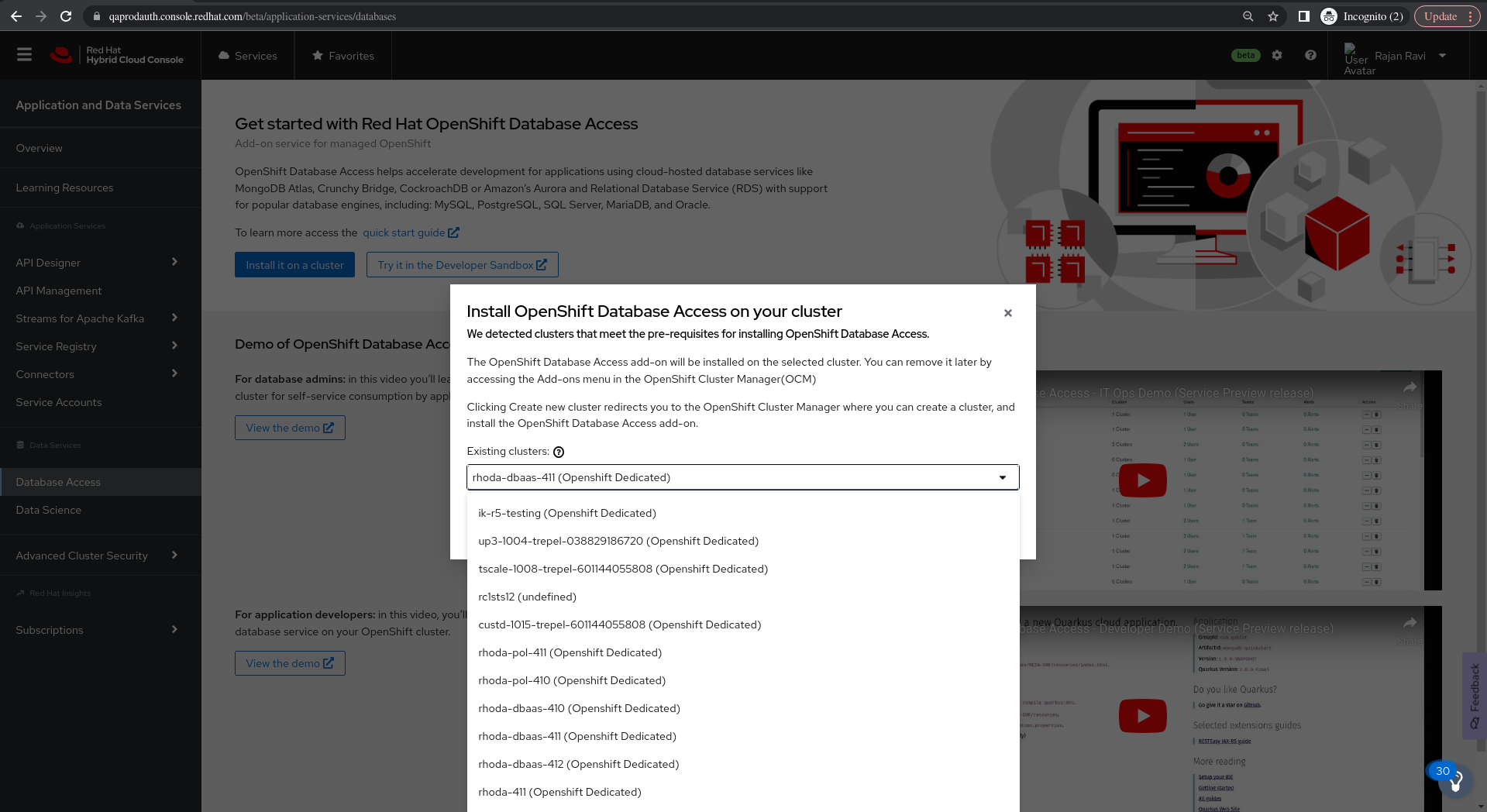
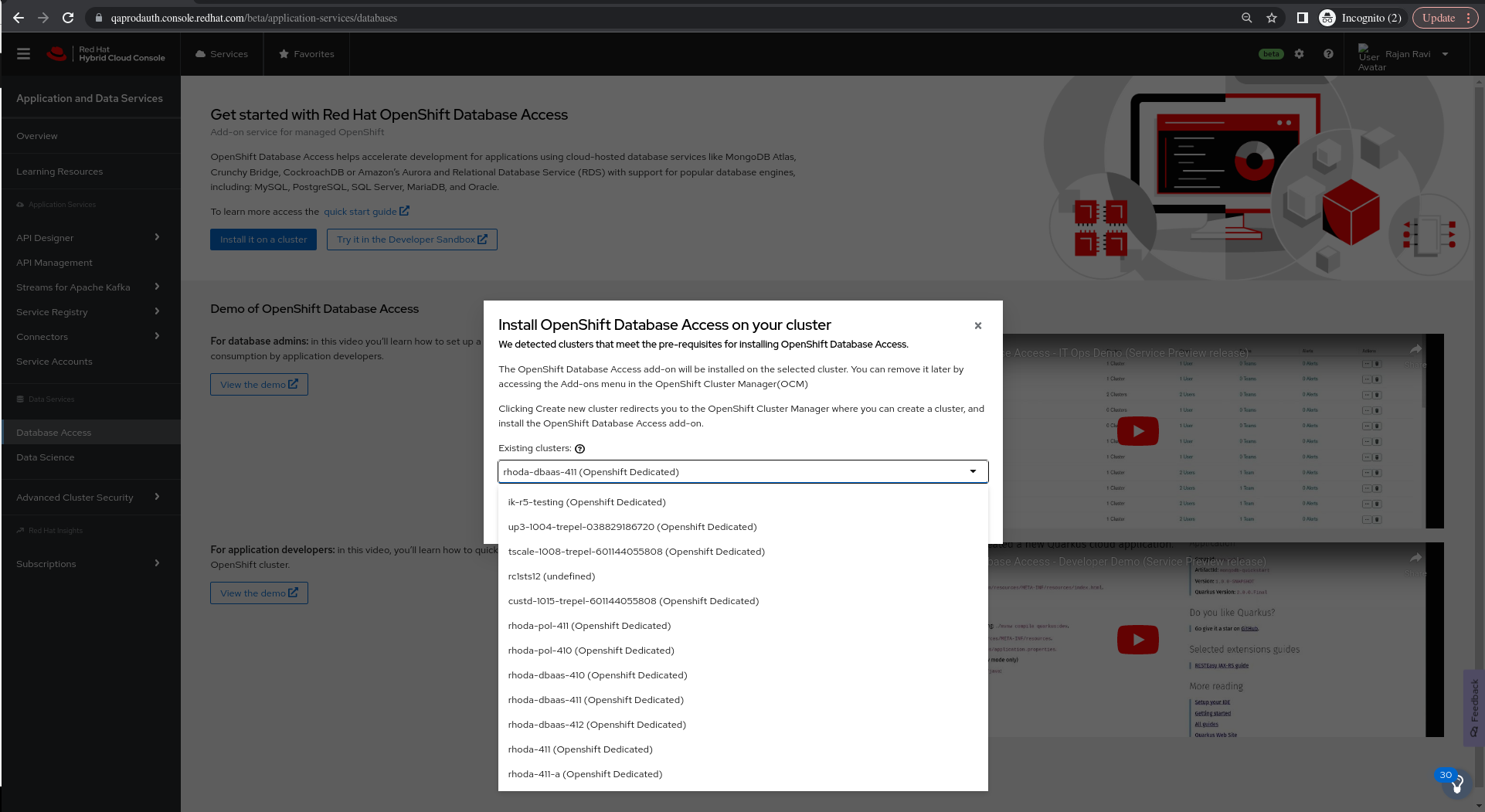
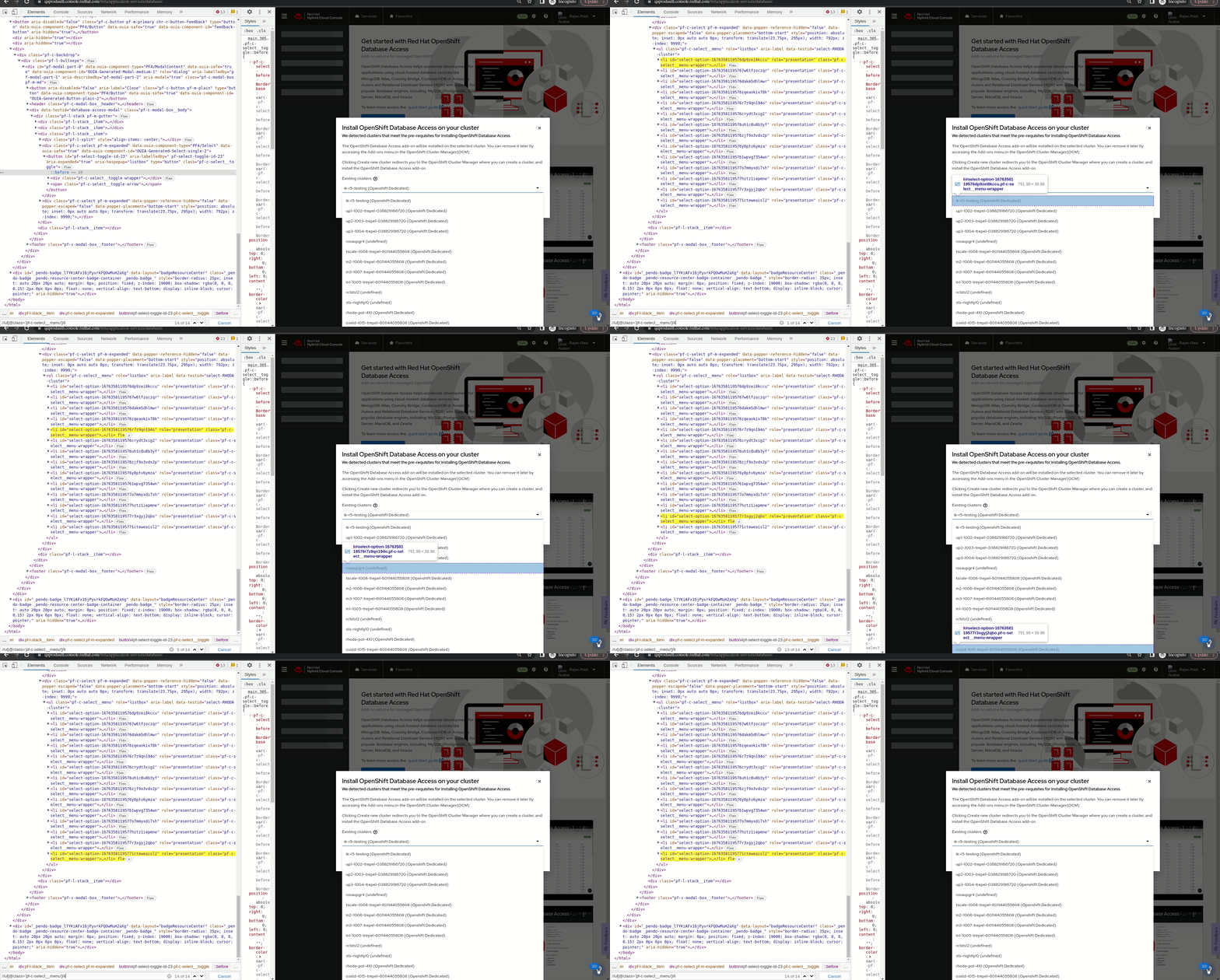
      • The first 13 clusters only visible on the dropdown
      Show
      Login to Hybrid Cloud console Make sure the user has more clusters Navigate to "Application and Data services --> Database Access --> Install it on cluster" The "Install Openshift Database Access on your Cluster" modal window would appear Click on "Existing Cluster" drop down The first 13 clusters only visible on the dropdown
    • Important

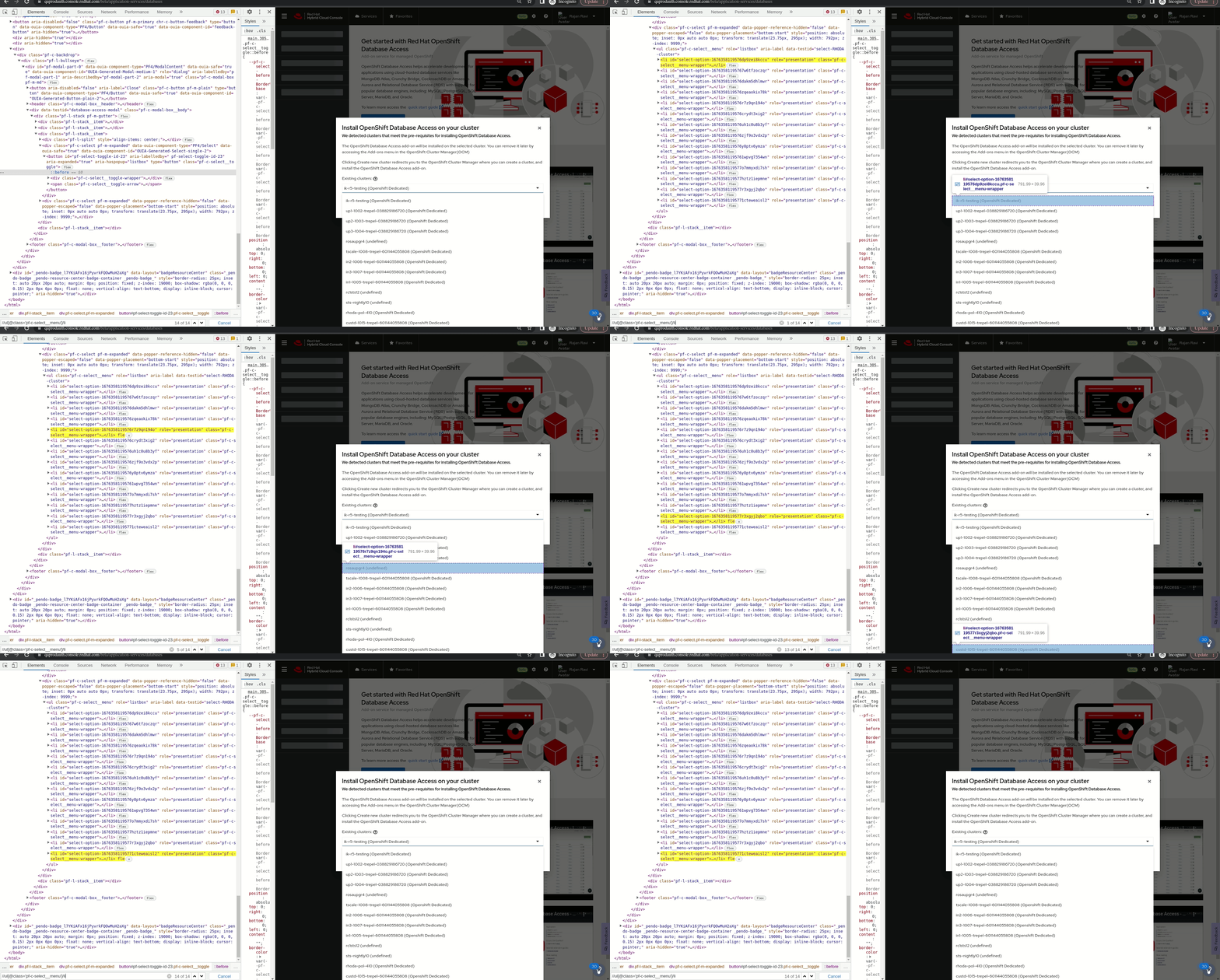
      On Install Openshift Database Access on your Cluster modal window, Existing Clusters drop down lists out only 13 clusters clusters within bounded resolution and the rest is hidden at the bottom of the page.

      Expecting a vertical scroll bar on the drop down values.

      Please find the gif file for reference,
              rhn-support-rravi Rajan Ravi
              rhn-support-rravi Rajan Ravi
              Votes:
              0 Vote for this issue
              Watchers:
              3 Start watching this issue

                Created:
                Updated:
                Resolved: